Skip to content

Understand journeys. Shorten the path to your goals.

See which paths visitors take through your website, how many reach your goal, and where they drop off along the way.

Three views, one board

Start

Where do they go?

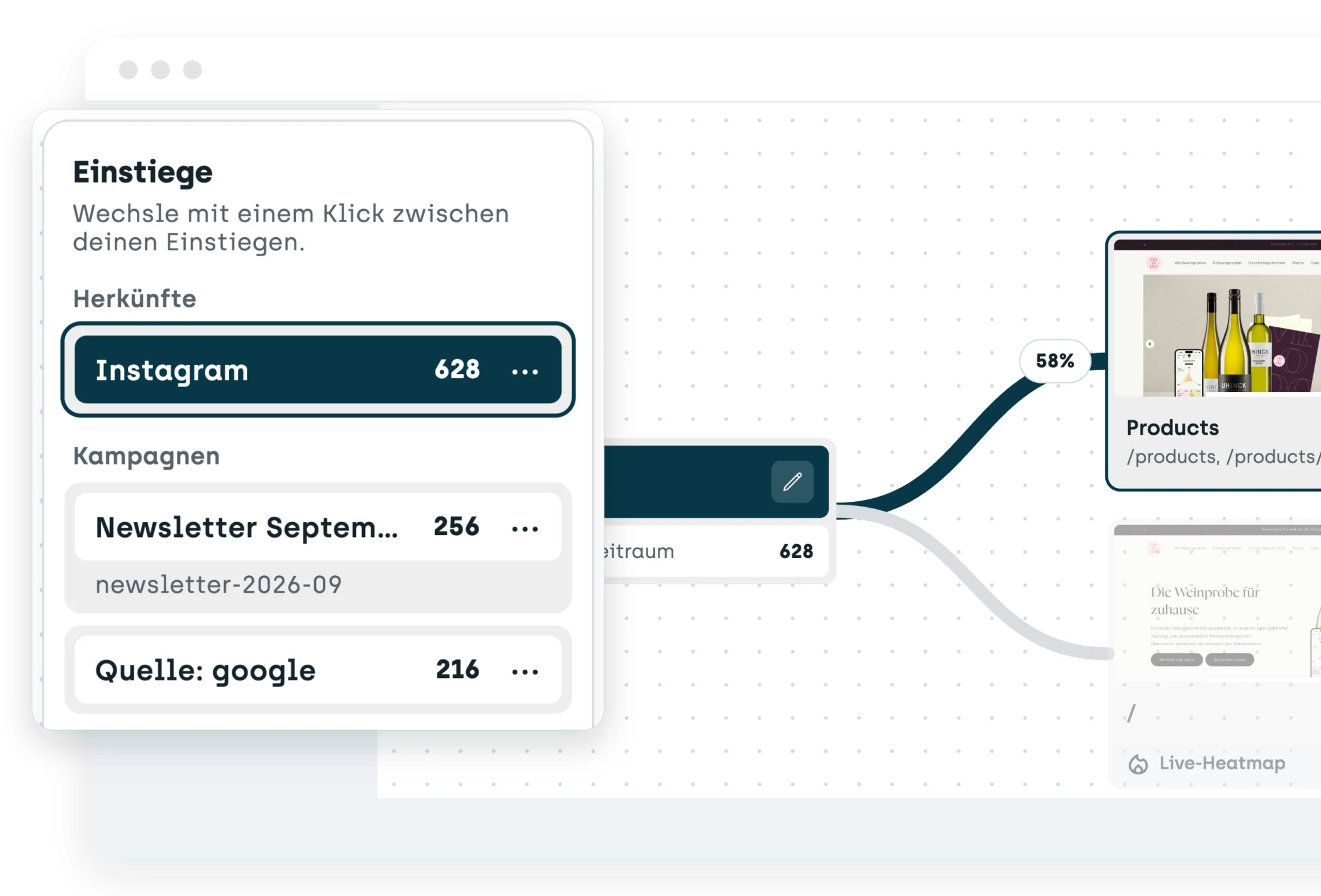
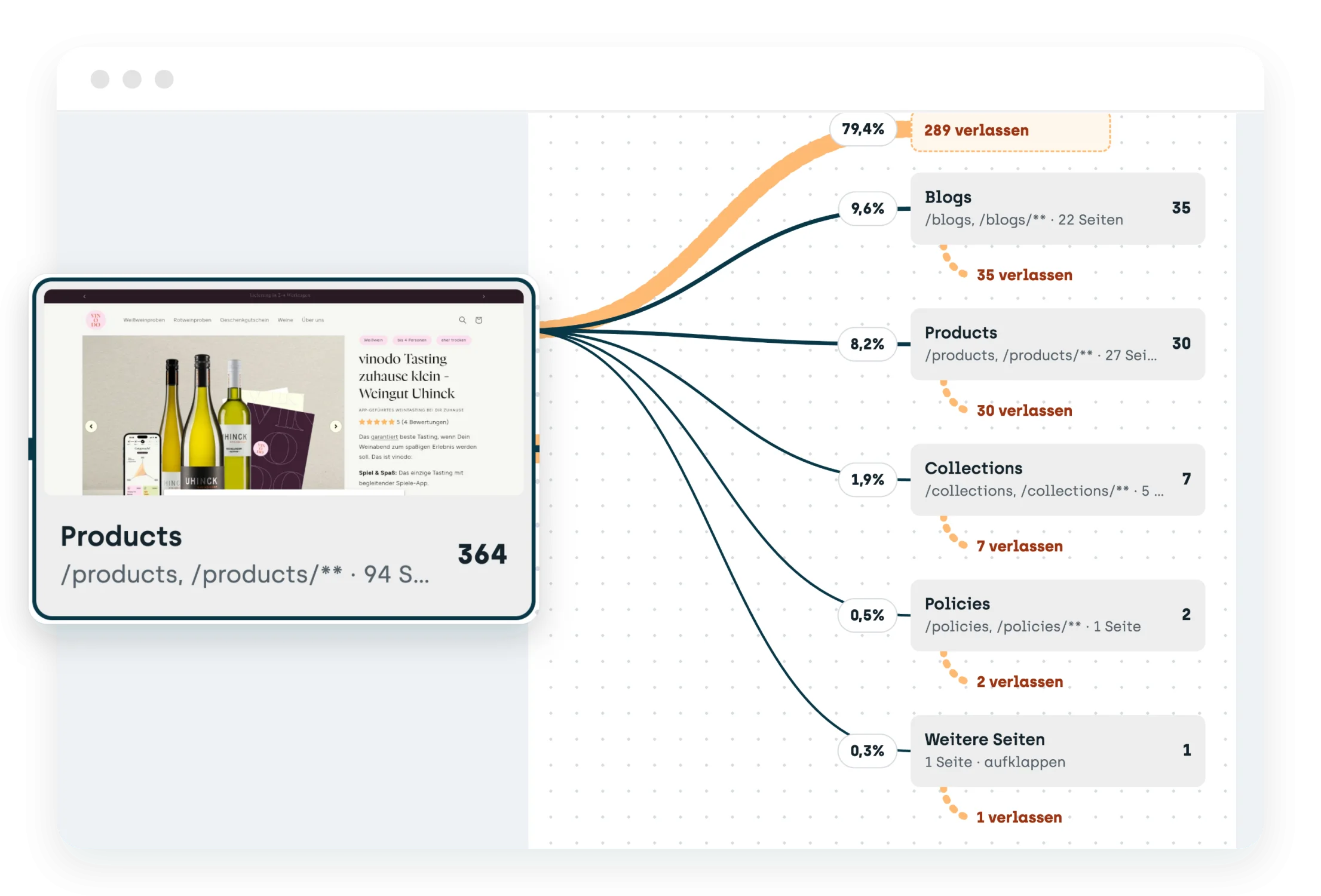
Pick a starting point, such as a source, a campaign, a page or a section. The board shows where the visits go next and how many leave the website at each step.

Route

How many get there?

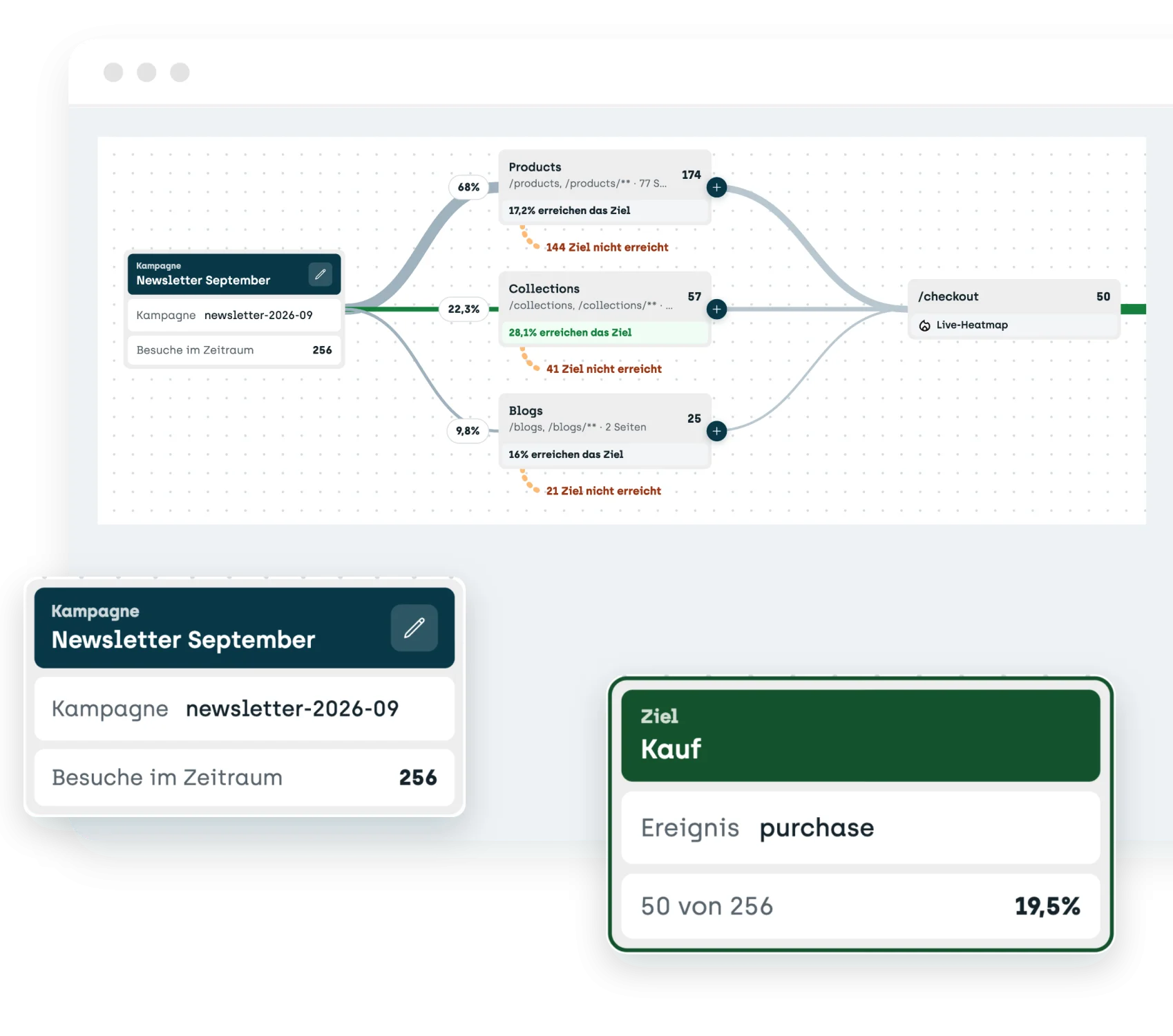
Set up a route from a start to a goal, a page or a section. One sentence tells you how many visits reached the goal, and the board shows the paths that lead there.

End

Where do they come from?

Read backward from the goal: where do the visits that reached a goal come from, and on which page did they start?

Follow

Follow paths step by step

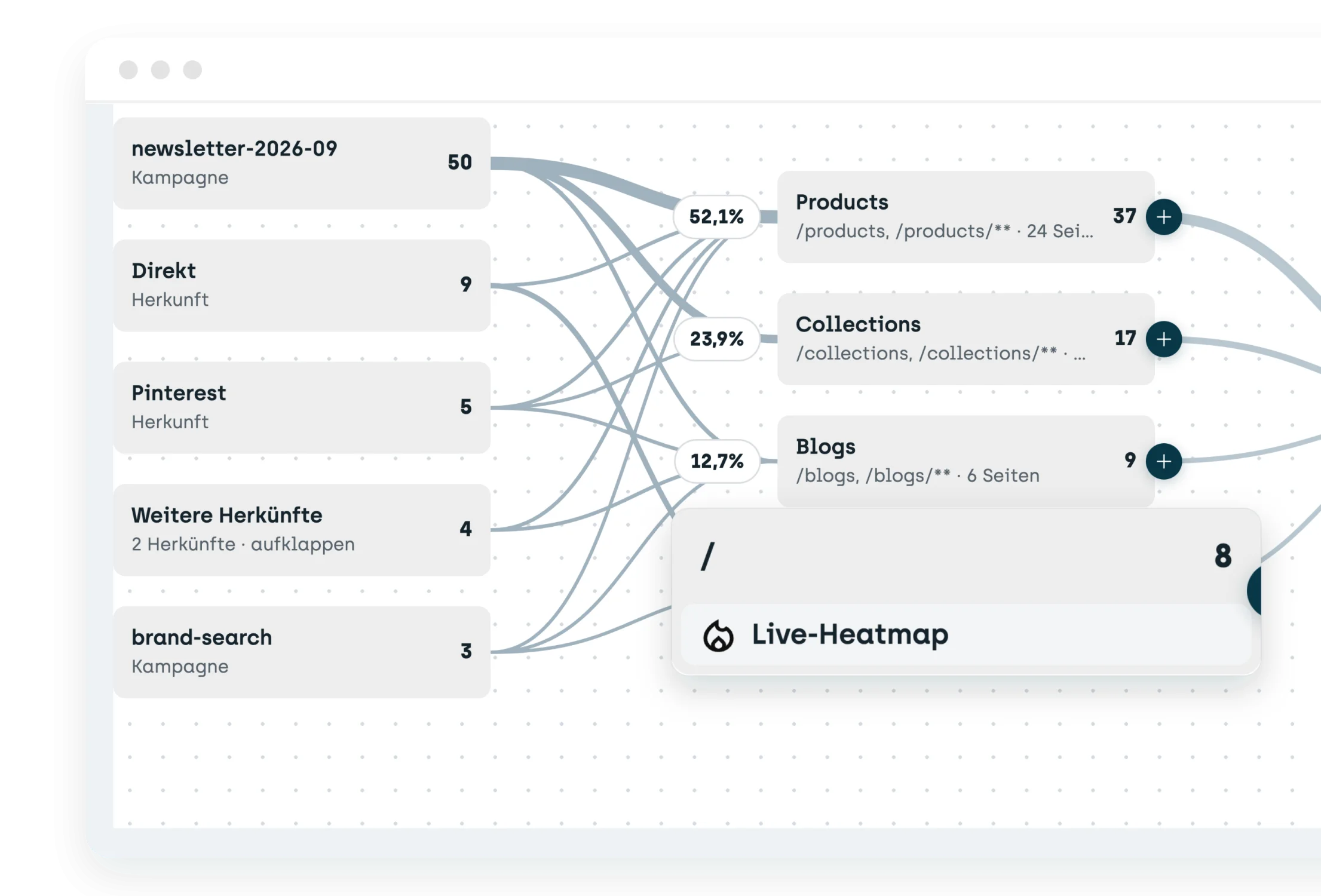
Click a page and follow the path up to six steps further. Lines show how many visits go from one page to the next.

Saved

Save starting points and goals

Starting points, routes and goals stay saved as cards with their numbers. You can rename them and switch between them with one click. Your own UTM combinations work too.

Heatmap

Straight to the live heatmap

Every page on the board opens its live heatmap for the same time period. That way you see what visitors do on the page before they move on or drop off.

How it works

Ready to understand your visitors' paths?

Follow how visitors move through your website to your goals. Try every feature free for 30 days. The trial starts as soon as the code snippet is on your website.

Start your 30-day free trial (opens in a new tab)

Questions and answers