
Comment directly on your website
CollaborationWith our comment feature, you can exchange ideas, suggest improvements, and capture key points right away. Everything in one central place for efficient team communication.
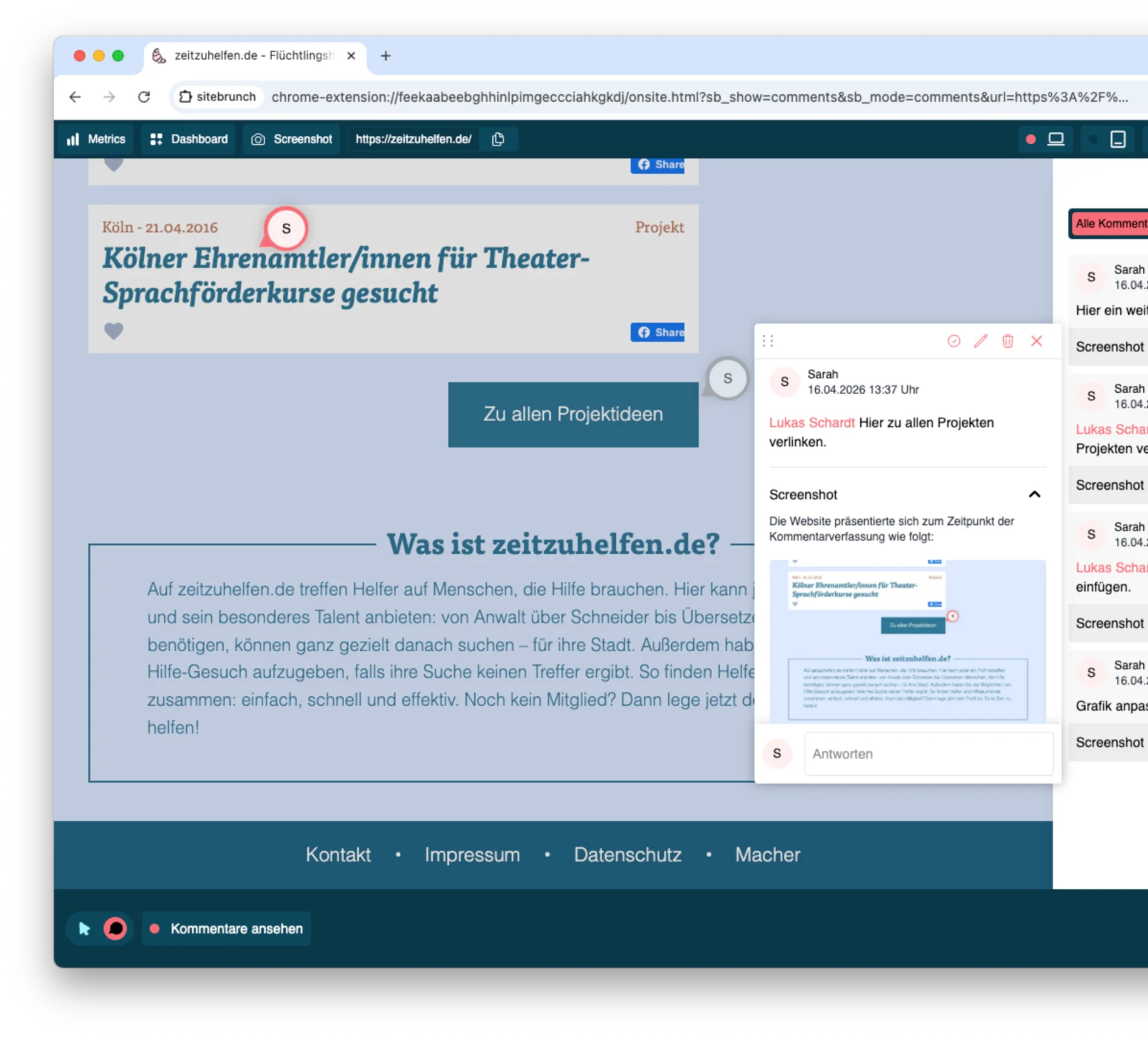
Through comments, tasks, the awork integration, and the MCP server, teams can collaborate efficiently.
With our comment feature, you can exchange ideas, suggest improvements, and capture key points right away. Everything in one central place for efficient team communication.
Leave feedback, notes, and improvement suggestions directly on the website.
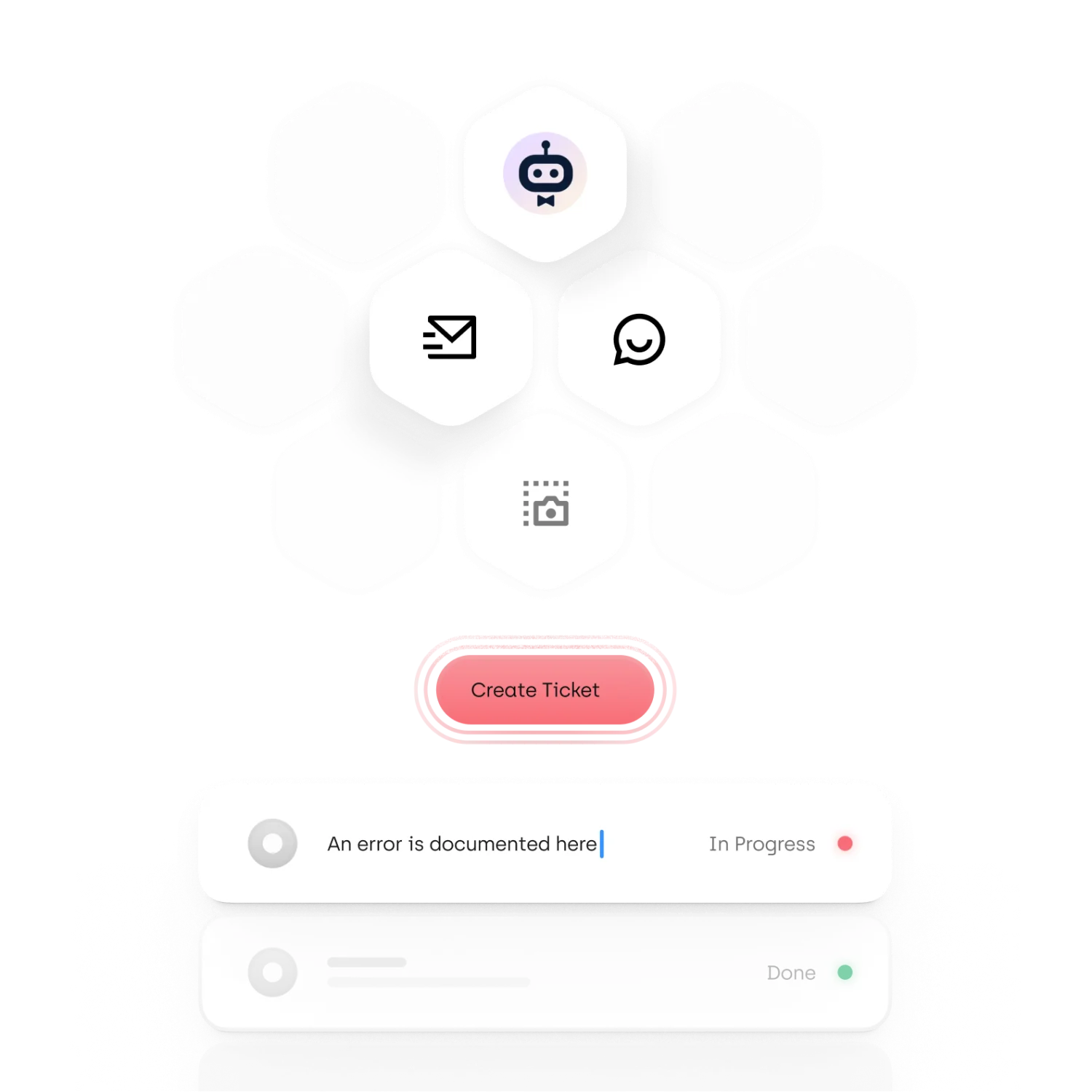
For every comment, you can decide individually whether to turn it into a task in awork.
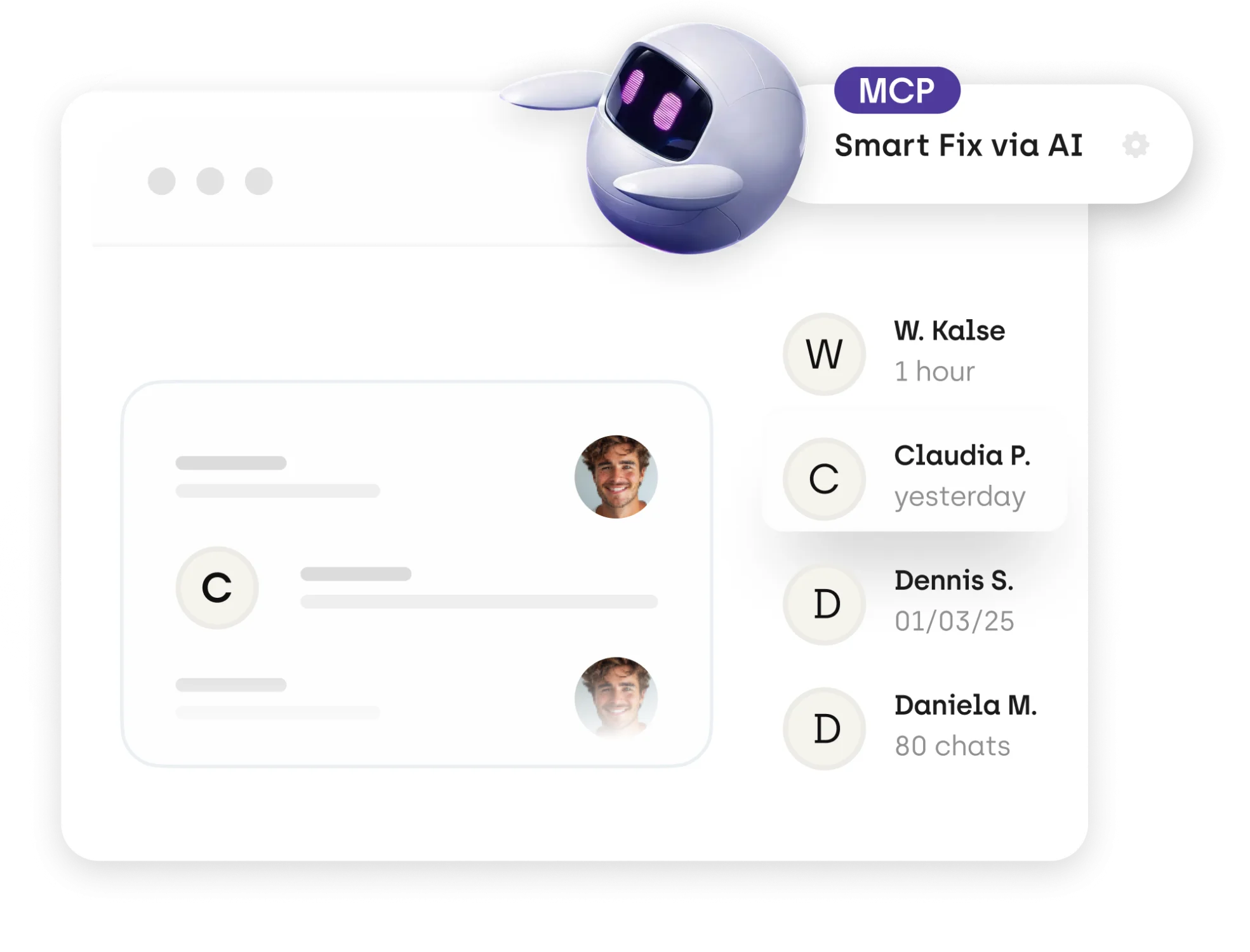
With an MCP server, you can implement comments from sitebrunch directly.
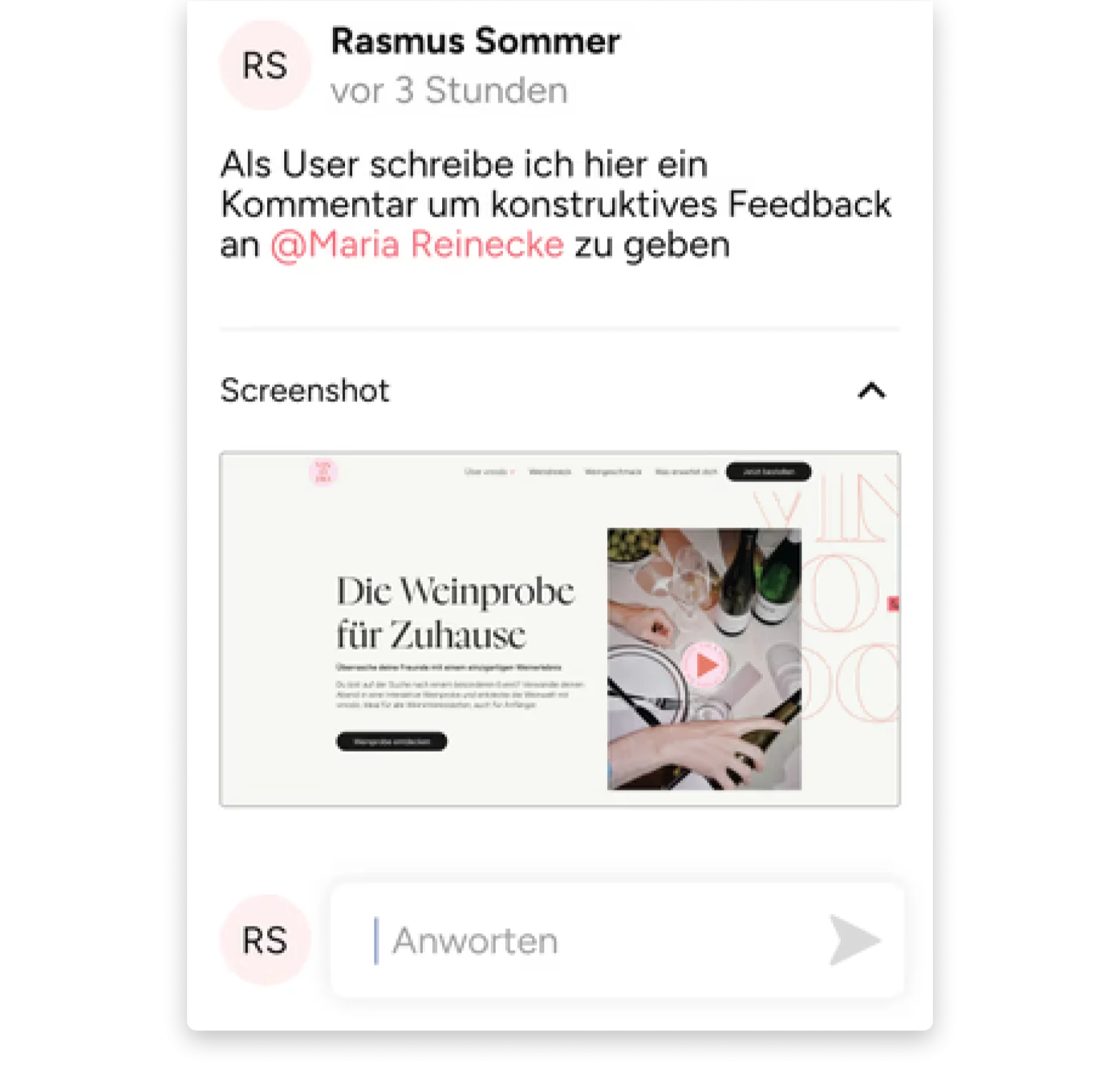
A screenshot of the website is automatically created for every comment to keep things traceable.
Assign tasks directly to the right person. Tagged people are notified by email.
With our browser extension, you can comment directly on the relevant element on your website. For optimal traceability.
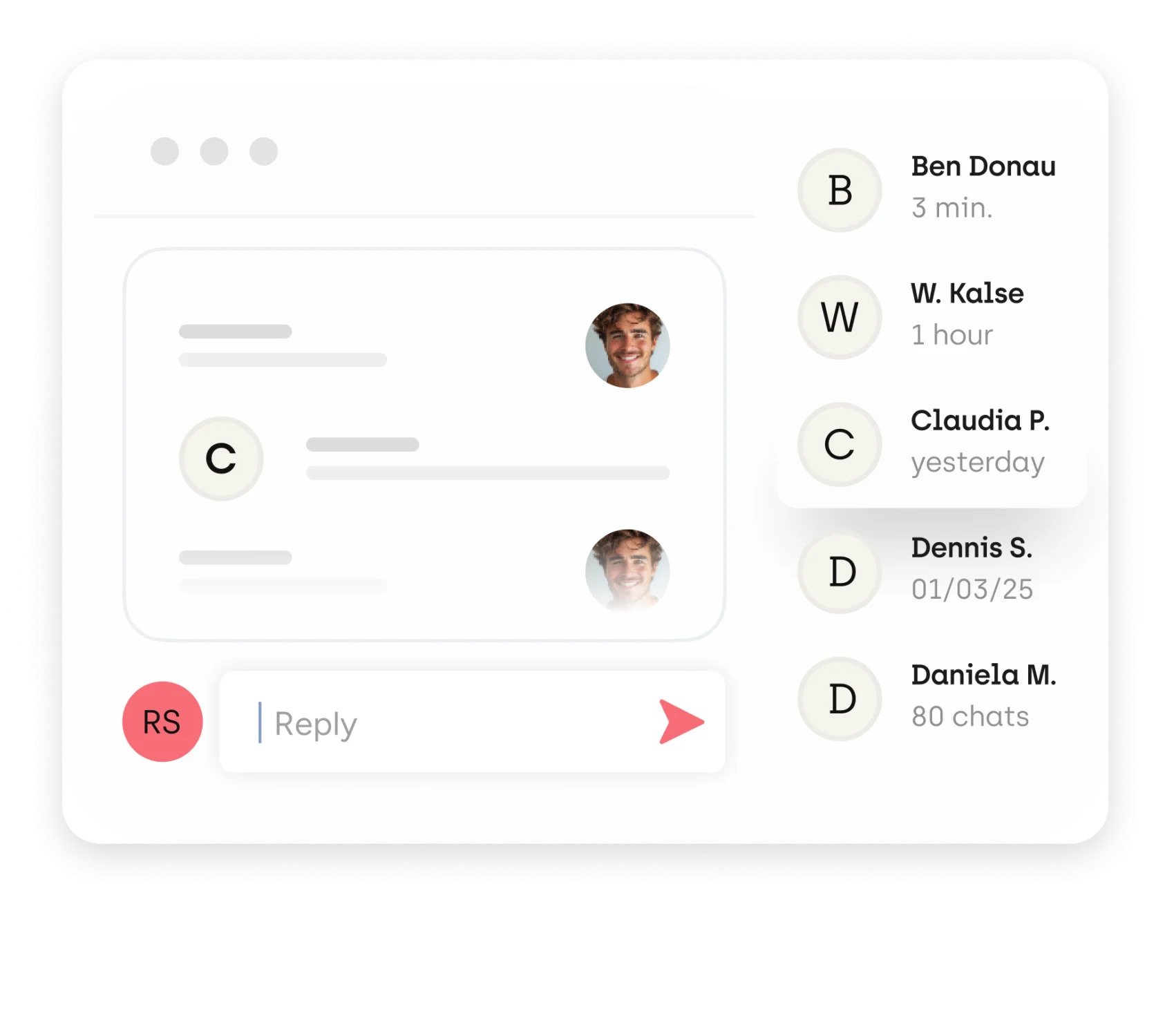
Whether it is direct feedback, important notes, or discussions with multiple participants, this application keeps you organized. The comment feature bundles all notes and questions in one place. That way, you do not have to switch between different tools that unnecessarily make it harder to keep a shared overview of pending tasks and open questions.
With every comment, a screenshot with a timestamp is automatically created.
And so everyone knows who has to do what by when, assign everything you note down directly to the right person and keep track. When you tag other people, they are notified by email.
You can pass comments directly to AI coding assistants like Claude Code or OpenAI Codex. Since the feedback is given directly on the relevant element on the website, the assistant can adjust the code in the right place immediately.
For every comment, you can decide individually whether to turn it into a task in awork. When you create a task, you can give it a title, use the comment as the task description, and add a current screenshot of the website if needed.
Alongside fast support, a user-friendly solution matters hugely to us. sitebrunch's comment feature has become a core part of our processes, and we would not want to miss it. Highly recommended!
 Markus Wirtz
Managing Director
chris and friends GmbH
My highlight is the automated reports that keep me up to date on KPIs and changes at all times. The heatmaps are just as valuable for our shop: we can see instantly which elements work and where users drop off. With the comment feature, optimization opportunities can be shared with the team right away.
 Tim Buschulte
CEO
vinodo
Monitoring with sitebrunch completely convinced us: we can identify new barriers right away, and the heatmap helps us optimize the user flow in a targeted way. The collected data is presented clearly and concisely, all without data-heavy cookies. We are fans!
 Claudia Hartmann
Head of Communications & Events
Filmförderung Hamburg Schleswig-Holstein GmbH
Document improvement suggestions directly on your website and transfer them to your project management tool or straight into the code.
Try for free (opens in a new tab)


