Skip to content

Create accessible PDFs, free in your browser

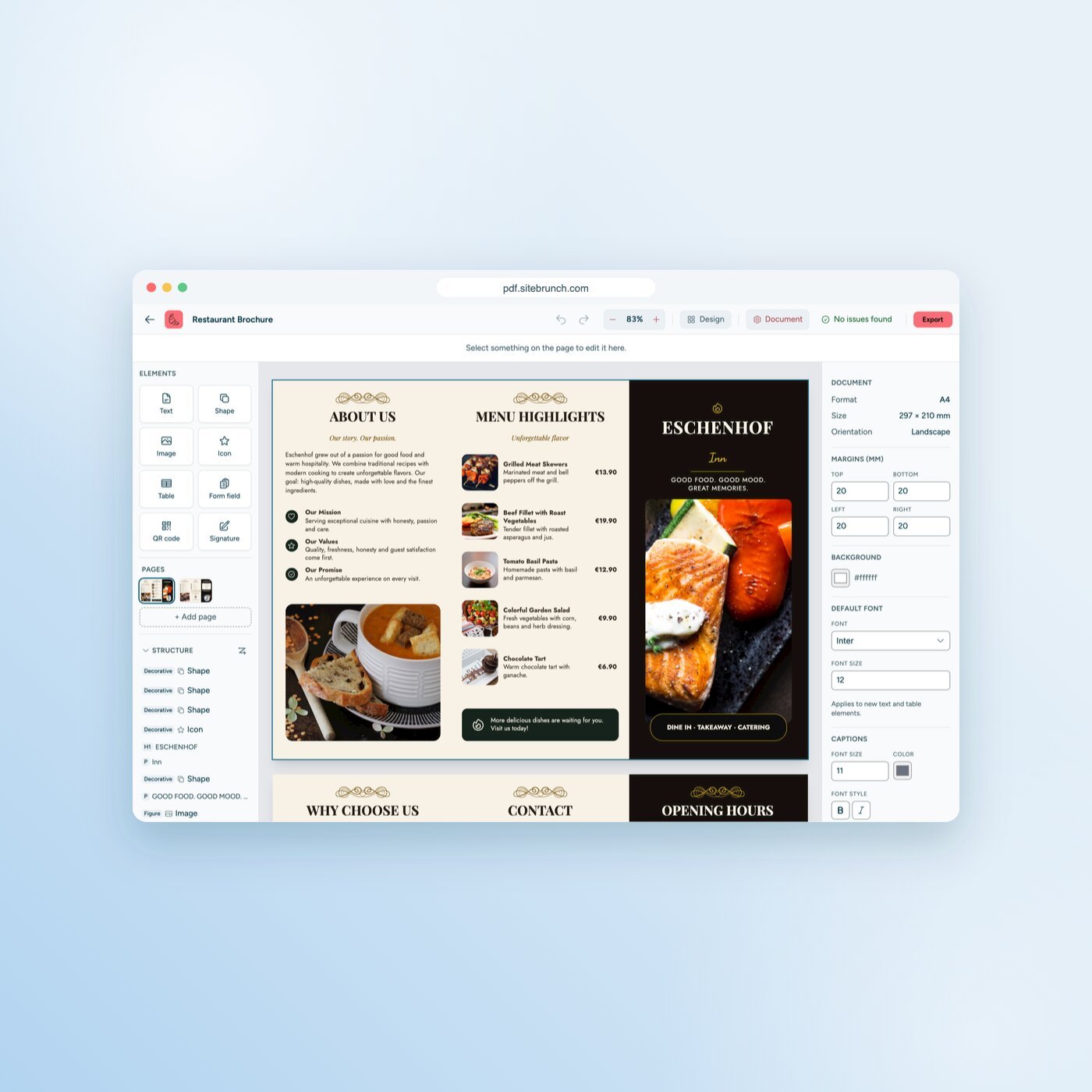
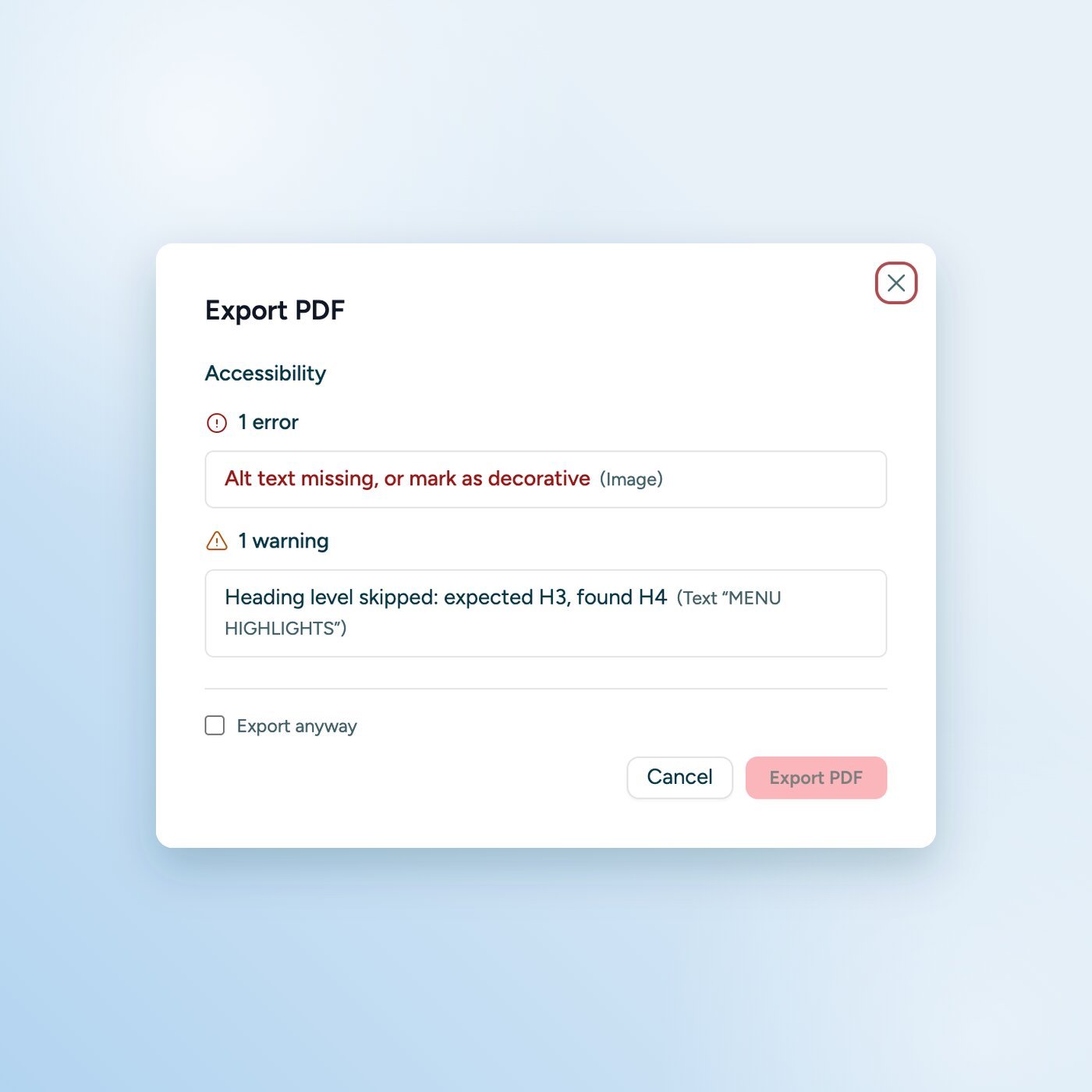
Design flyers, reports and forms that screen readers read correctly. The editor builds the structure while you design and shows you right away what is still missing.

What makes a PDF accessible

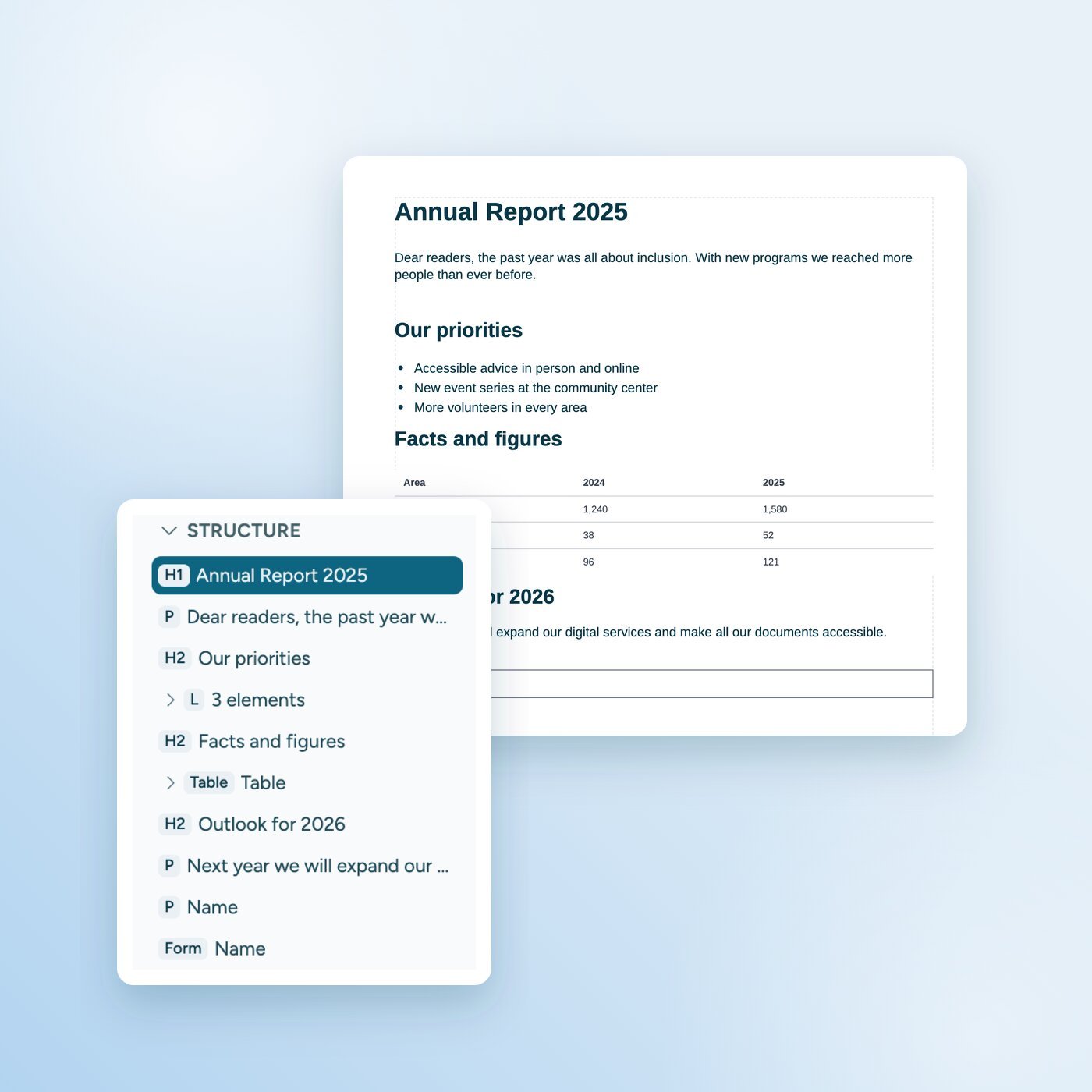
A screen reader does not read a PDF the way it looks. It reads its structure. Without structure, you only hear a jumble of words. An accessible PDF therefore needs five things:

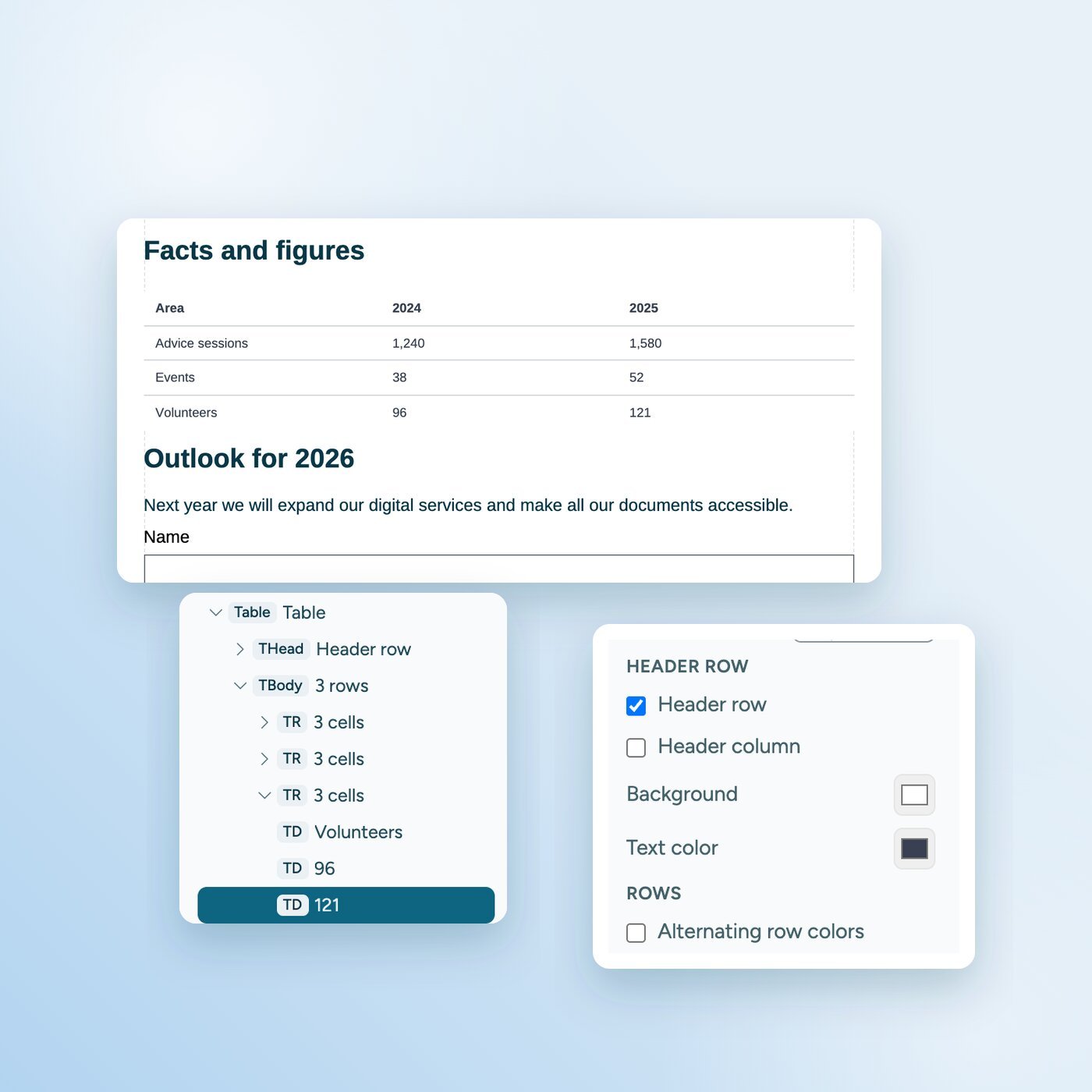
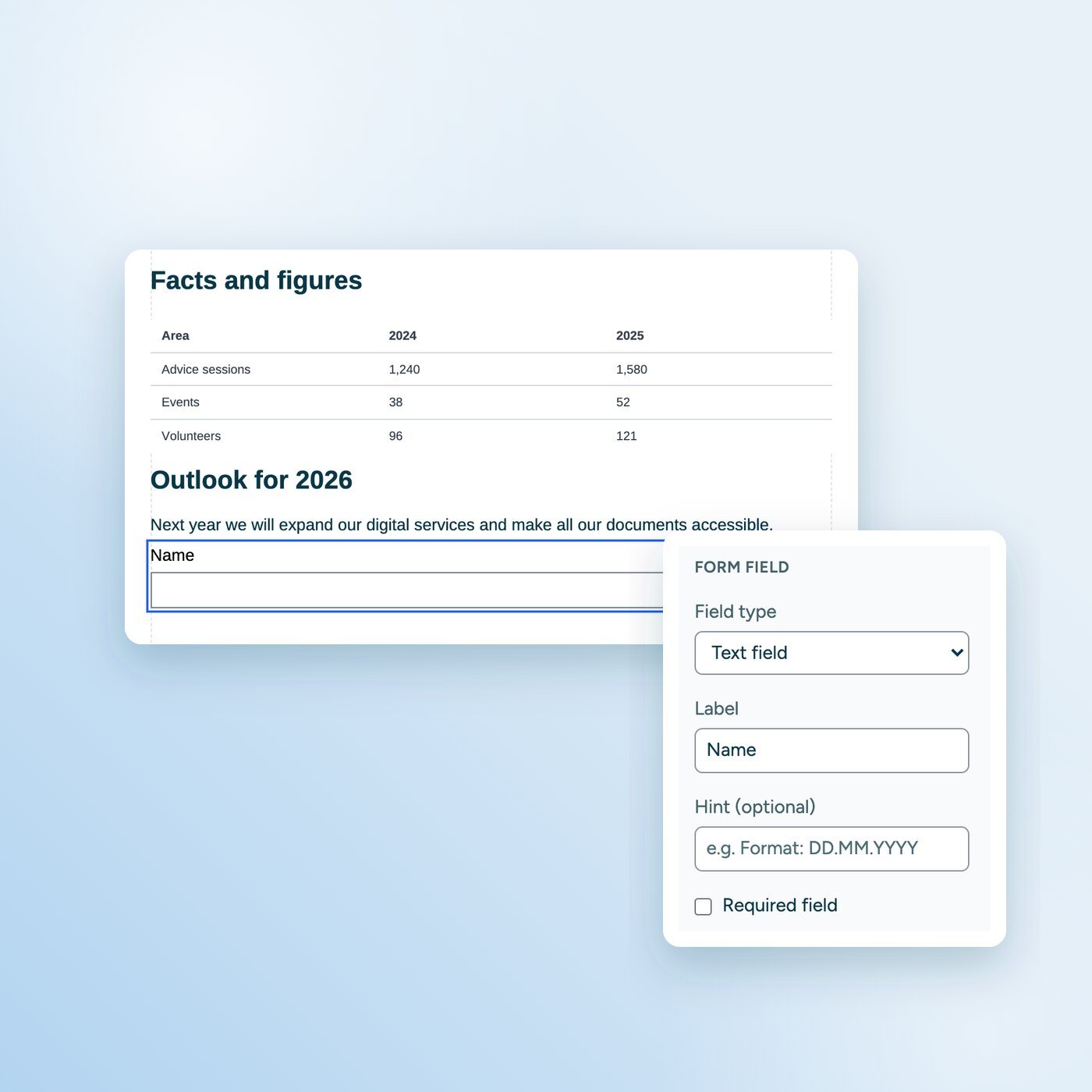
  • Tags: Every element is marked as a heading, paragraph, list, table or image.

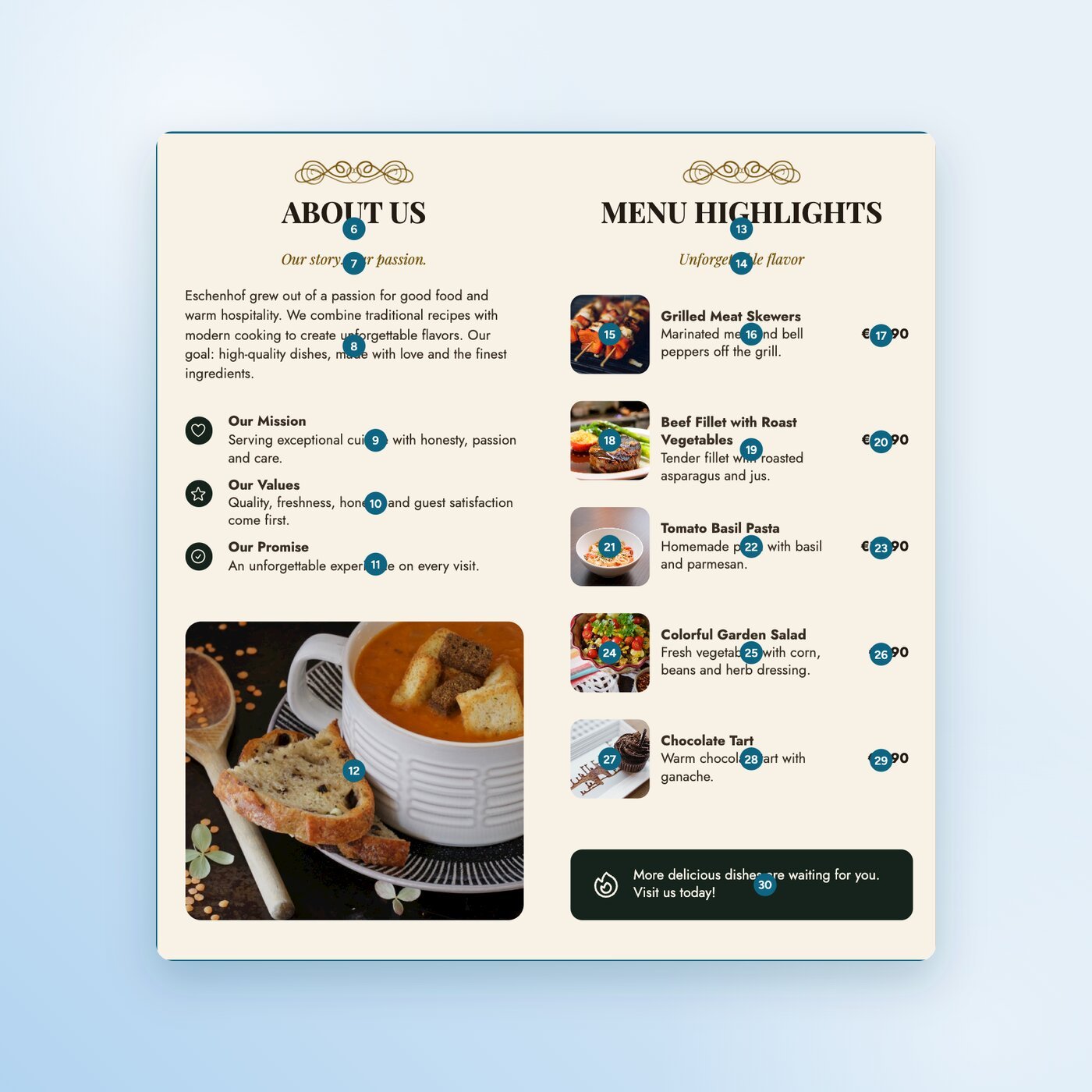
  • Reading order: The content is read aloud in a sensible order, even with several columns.

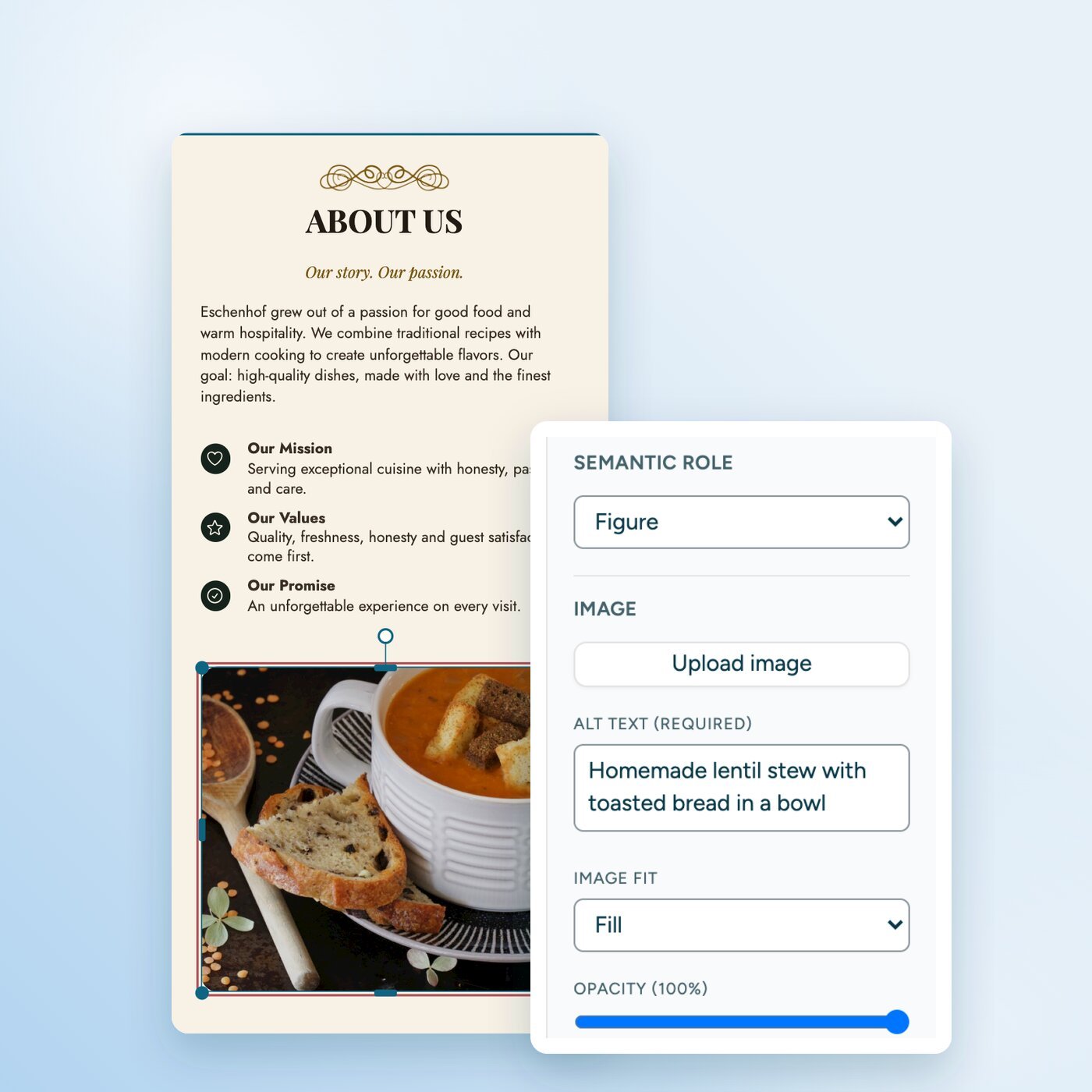
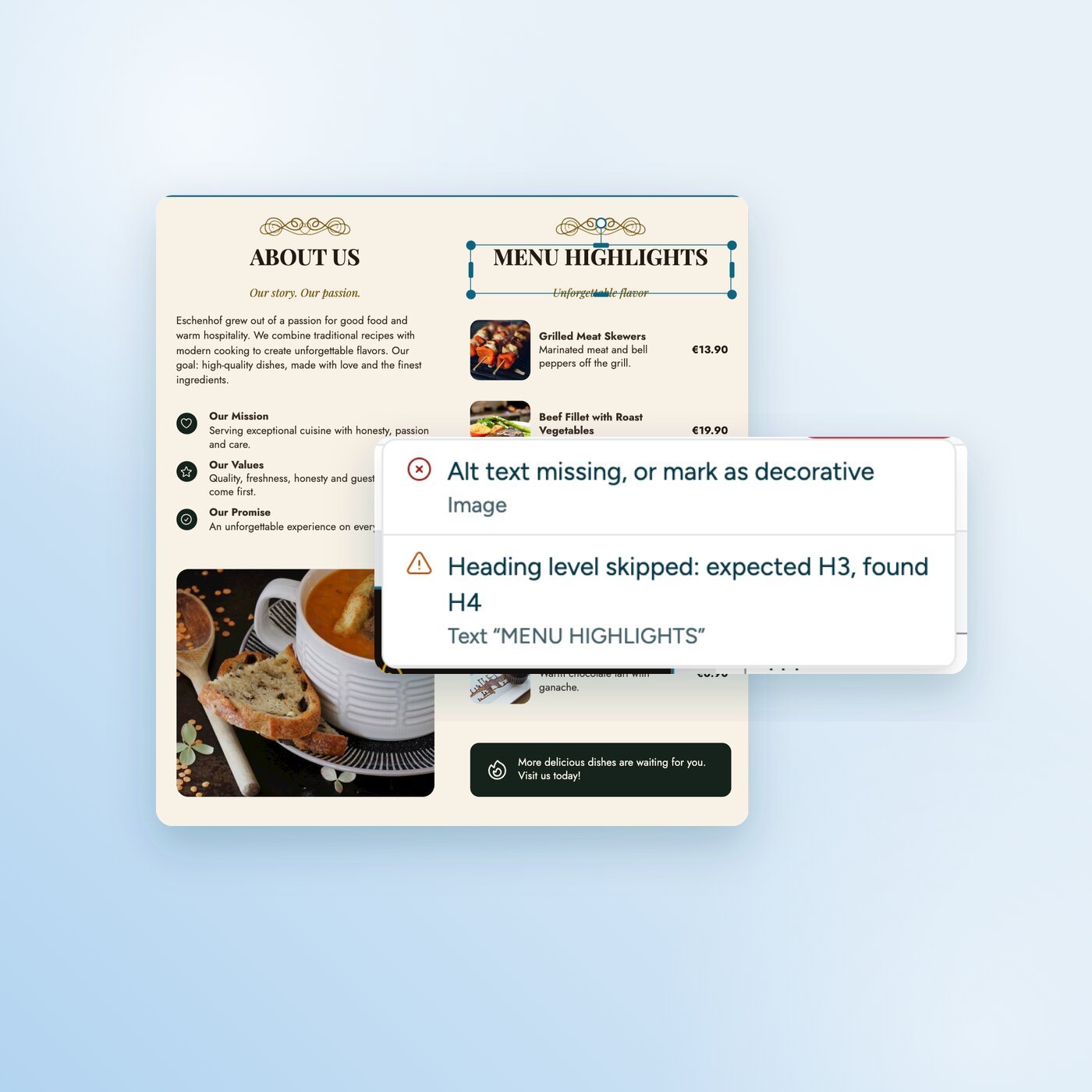
  • Alt text: Every image that carries meaning has a short description. Screen readers skip purely decorative elements.

  • Contrast: Text stands out clearly enough from its background.

  • Title and language: The document has a title and a language. The screen reader announces the title and pronounces the words correctly.

The technical standard for this is called PDF/UA (ISO 14289). The PDF editor helps you with all five.

Everything you need for accessible PDFs

How the PDF editor works

Who the PDF editor is for

Nonprofits

Clubs and nonprofits

Invitations, programs and annual reports that every member can read. No software or agency costs.

Hospitality

Restaurants and shops

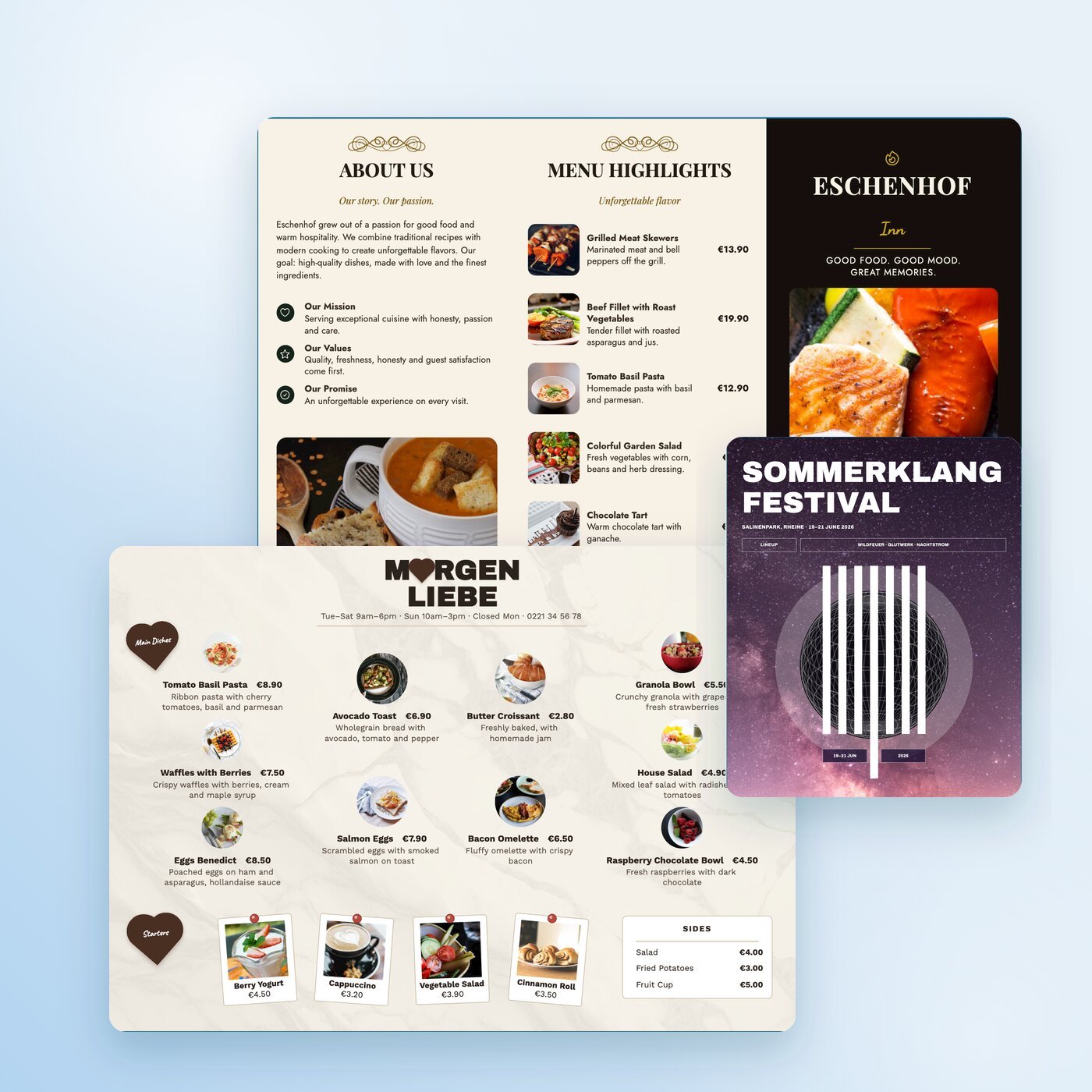
Menus, flyers and vouchers that screen readers read correctly. Matching templates are ready to use.

Public sector

Public bodies

Information sheets, applications and forms that meet accessibility rules. The files stay in your browser and never reach anyone else’s server.

PDF editor vs. tagging after the fact

Most PDFs are designed first and made accessible afterwards. Tagging after the fact, for example in Adobe Acrobat Pro, takes time and expertise. In the sitebrunch PDF editor, the structure is built while you design.

Feature

sitebrunch PDF editor

Tagging afterwards, e.g. in Acrobat Pro

Structure

Built while you design, element by element

Added to the finished PDF

Reading order

Set directly in the structure tree

Sorted afterwards in the tag tree

Checks

Run constantly while you design

Usually a separate step at the end

Cost

Free

Paid subscription

Sign-up

Not needed

Adobe account needed

Already have lots of finished PDFs? Check them against PDF/UA and WCAG with the sitebrunch PDF check.

Which laws require accessible PDFs

In the EU, the European Accessibility Act has applied since June 28, 2025. In Germany it is implemented as the Accessibility Strengthening Act (BFSG). It applies to certain products and services for consumers, and this can also cover documents. Public bodies have had to make their websites, apps and the documents offered there accessible for longer, in Germany under the BITV 2.0.

These rules point to the European standard EN 301 549, which is based on WCAG. For PDFs, PDF/UA adds the technical requirements. The PDF editor helps you meet them while you design.

Ready for your first accessible PDF?

Open the PDF editor and get started. Free, no sign-up and no upload.

Get started (öffnet neuen Tab)

Questions and answers