
Measure performance and understand what works
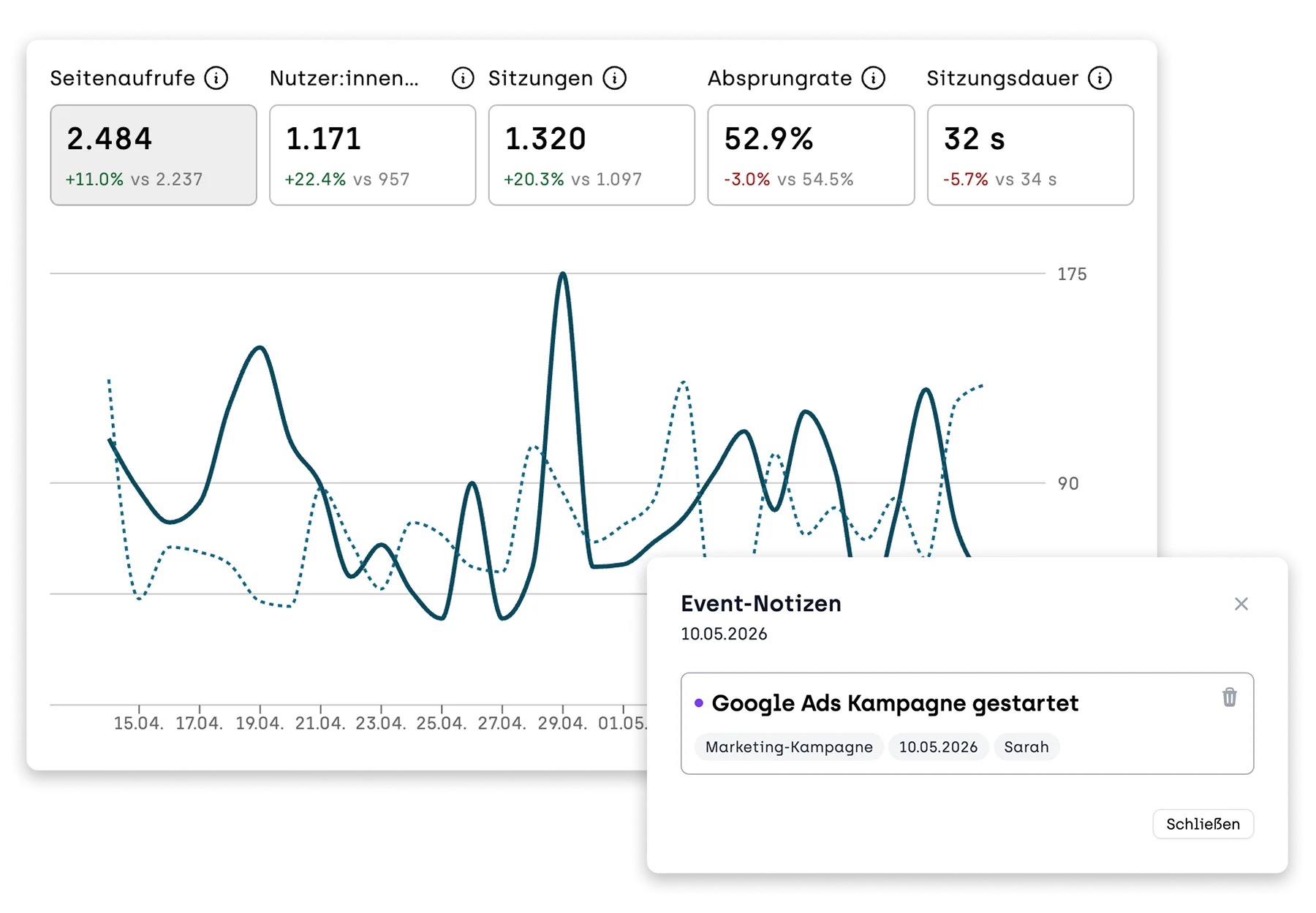
MetricsCompare time periods and pages side by side, and add notes for when a change went live. That way you not only see what the data shows, but also why something changed.
Forget gut feelings and endless spreadsheets. Understand how users experience your website and optimize your content with purpose.
Compare time periods and pages side by side, and add notes for when a change went live. That way you not only see what the data shows, but also why something changed.
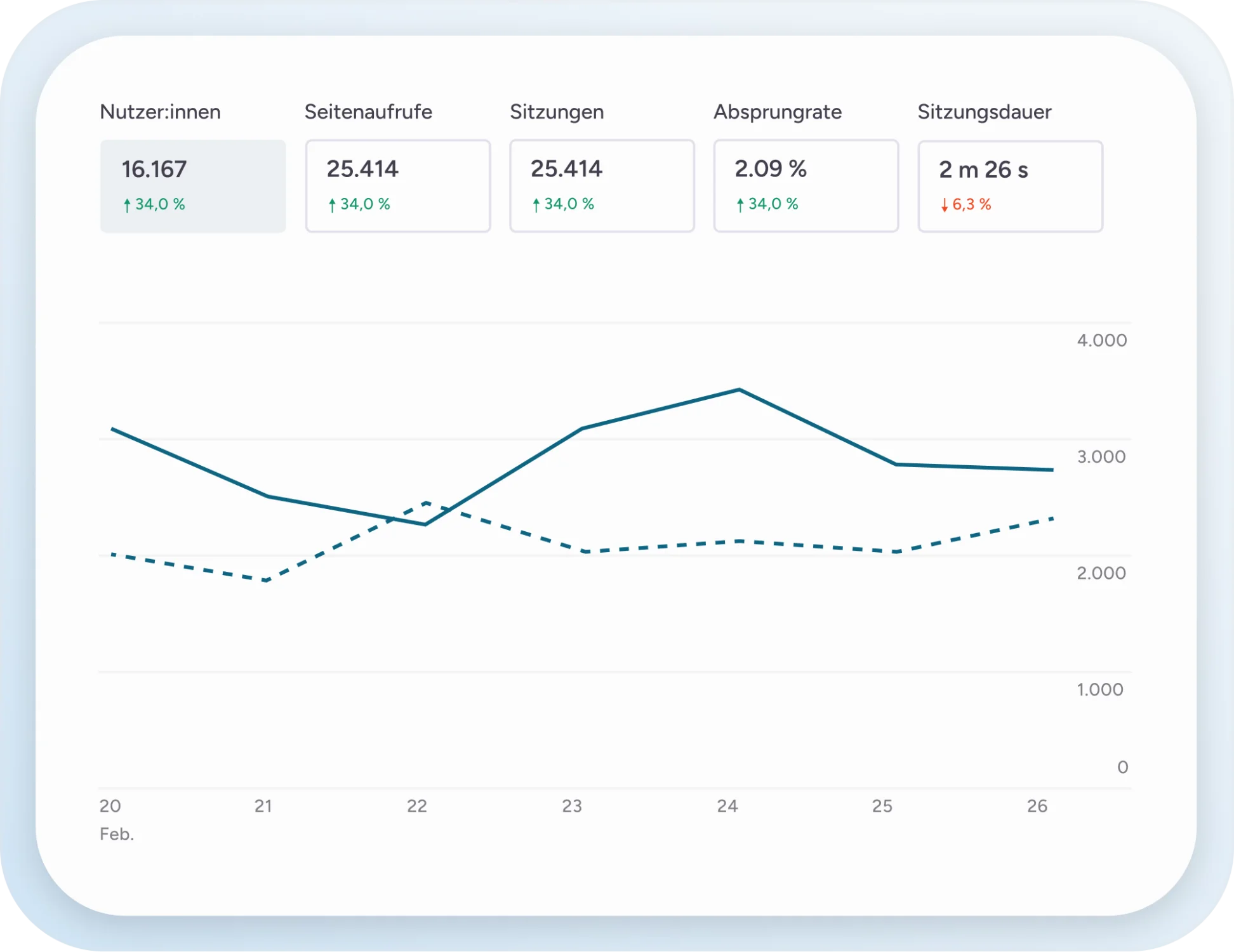
Page views, people, sessions, bounce rate, time on page, and session duration. Every number shows you right away how it has changed.
Open single pages, whole sections, or all pages under one URL in their own tabs. Recently opened and most visited pages are just one click away.
Group pages into sections with a rule like “URL starts with /blog” or by picking them, give each section a color, and see page views by section in the chart.
With the previous period, one week, four weeks or one year earlier, with the average of all pages, or two visitor groups A and B against each other.
Filters apply to the whole view. For example, you see only mobile visits from Germany that came via Google.
Add notes right in the chart when a change went live, and see its effect in the numbers afterward.
The table shows views, share, change, reading time, scroll depth and actions for each page and section. Actions are clicks and submitted forms per page view. Colors show what is above or below average.
Export pages as a PowerPoint presentation or CSV for your team and your clients.
No cookie banner and hosting in the EU. Analytics without compromise.
We provide a code snippet that you simply embed in your website's HTML head to unlock every sitebrunch feature. It has no impact on load time and starts collecting data immediately.

Start with the overview of your whole website and open pages or sections in their own tabs. Devices, sources and visit times are always right next to them.
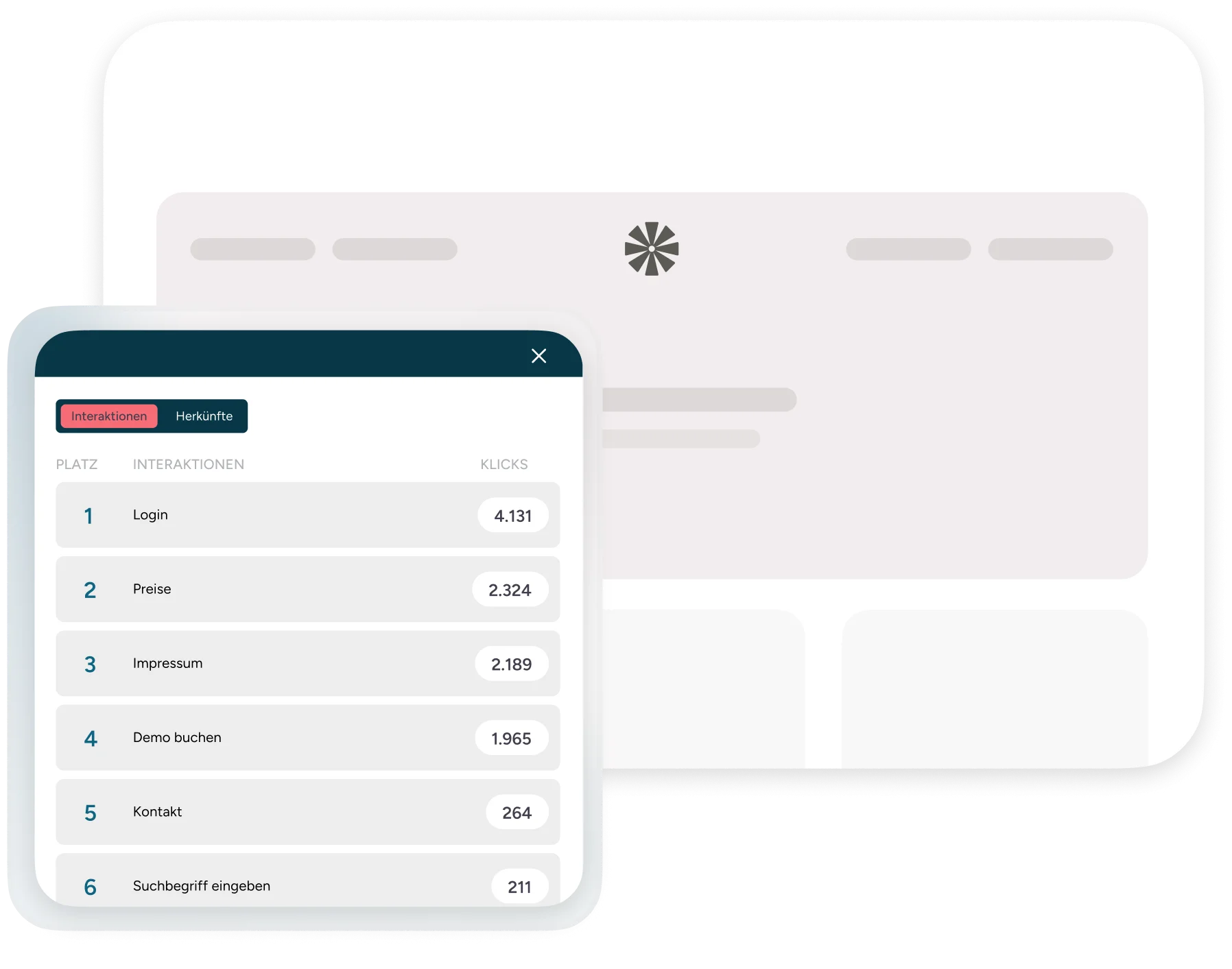
With one click you open a page on your website and see metrics as an overlay. That way you see the numbers in the context of the actual page.
Export data as CSV or a PowerPoint presentation and share the results with stakeholders, clients, or your team.

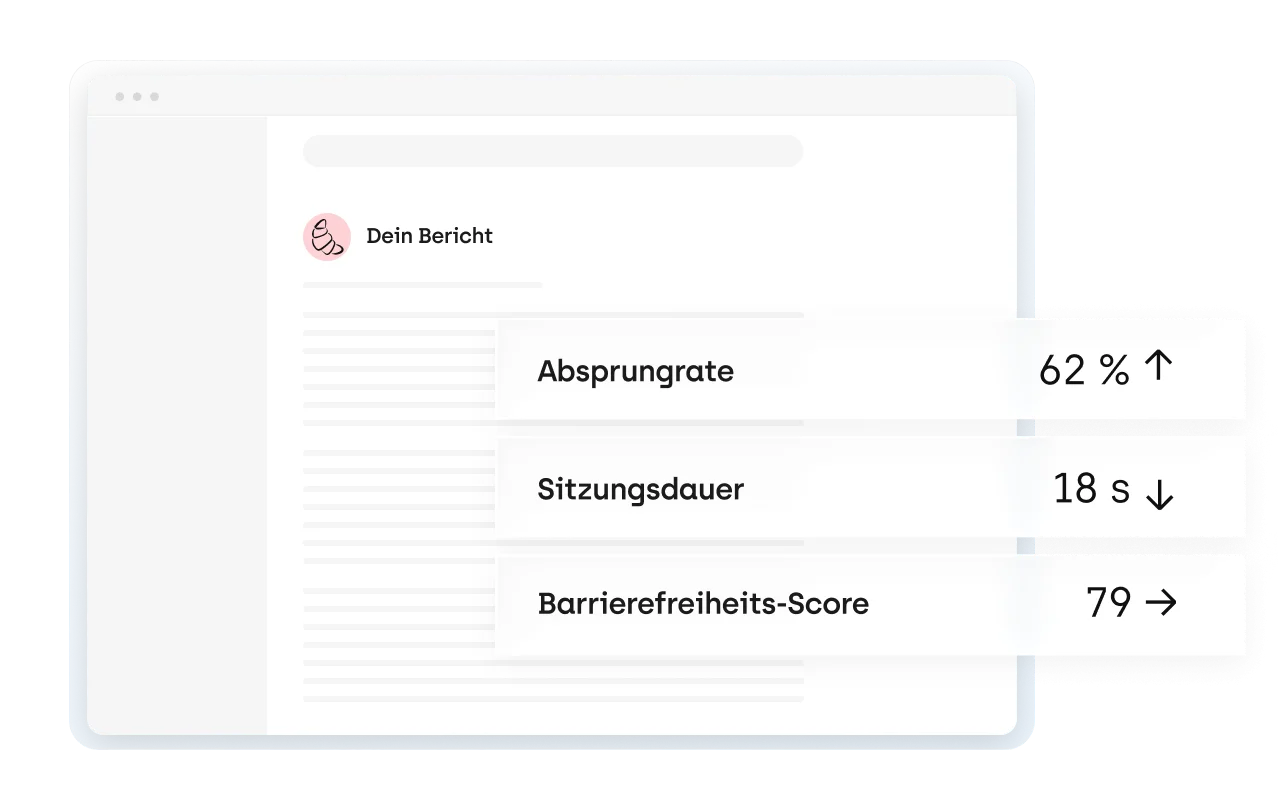
Every week you get a report by email with an AI summary: what has changed and where action is needed. No need to check the dashboard every day.
Understand how your website really performs. Try every feature free for 30 days. The trial starts as soon as the code snippet is on your website.
Start your 30-day free trial (opens in a new tab)


