
How far down do visitors scroll, and do they click differently on a phone than on a computer? This article shows you how to see both in Live Heatmaps.
Last updated: October 4, 2026
Requirements
You have opened Live Heatmaps.
Scroll depth
At the bottom center you always see what percentage of page views scrolled down to the spot you are looking at right now. As you scroll down, the number gets smaller and the pink bar in the indicator fills up.
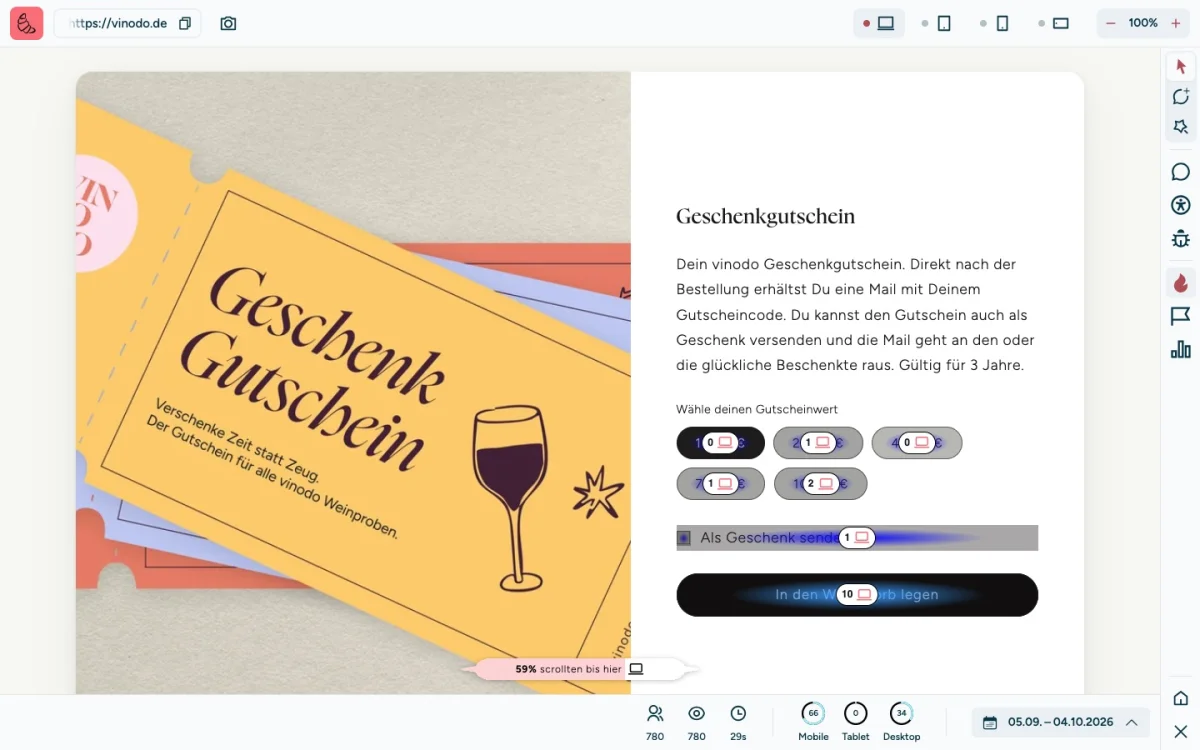
On vinodo.de, 59% of visits get as far as the gift voucher. So about 4 in 10 never see the “In den Warenkorb legen” (add to cart) button. Few clicks on an element therefore don't always mean that nobody is interested in it. Sometimes hardly anyone gets that far.
Look at another device
At the top right you choose how the page is displayed: “Desktop”, “Tablet”, “Mobile” or “Mobile (landscape)”, meaning the phone turned sideways. The heatmap and scroll depth then only show visits from this device.
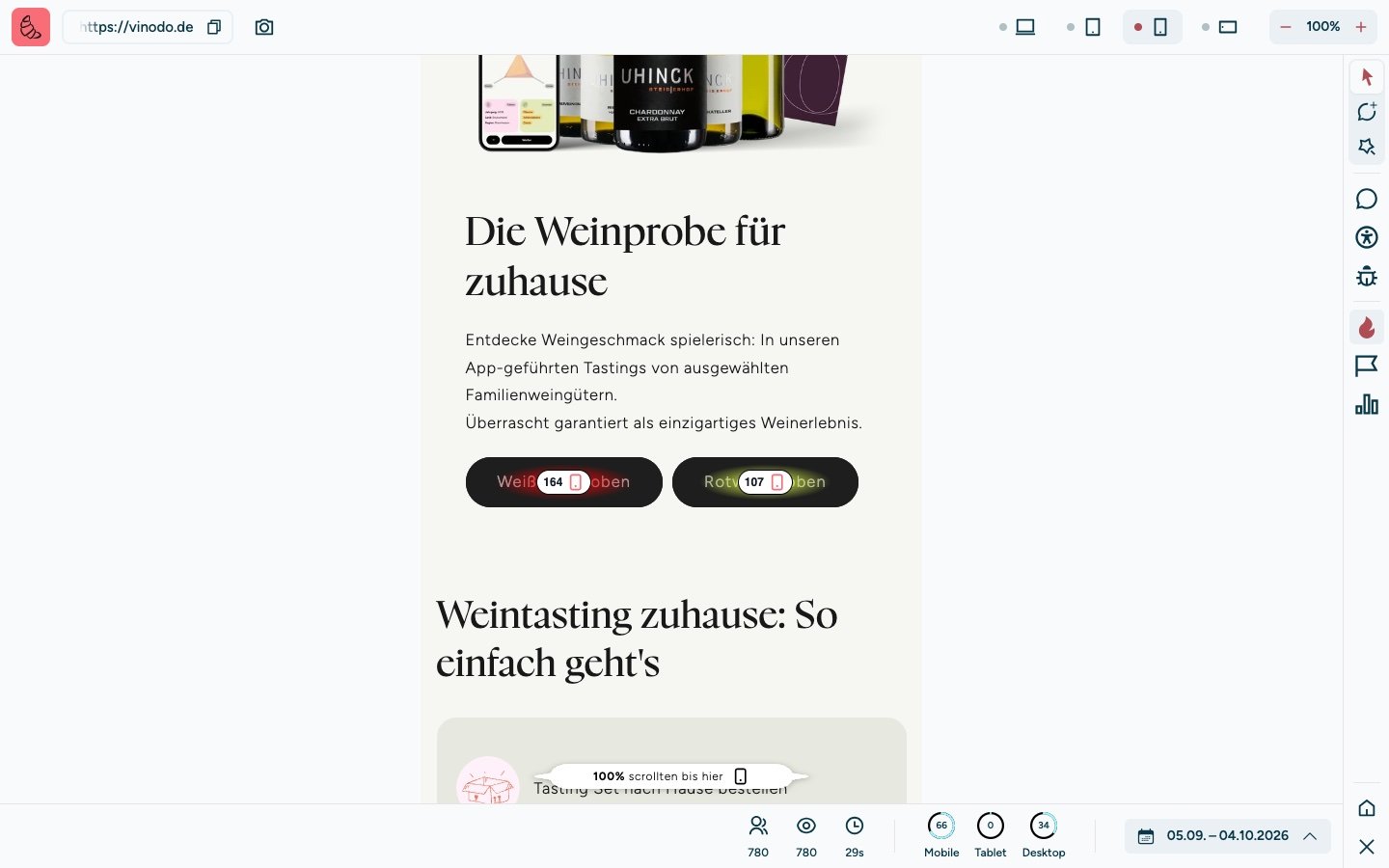
On vinodo.de, two thirds of visits come from phones. There the menu hides behind an icon, so the two large buttons are the fastest way to the wine tastings.
With “−” and “+” next to the device selection you zoom the page out or in.