
This article shows you how to take a closer look at the clicks on a single element and how to find the most clicked elements on a page.
Last updated: October 4, 2026
Requirements
You have opened Live Heatmaps.
Clicks per device
Hover over an element. A small popup shows you how often it was clicked on a computer, on a tablet and on a phone. The total is at the very bottom.
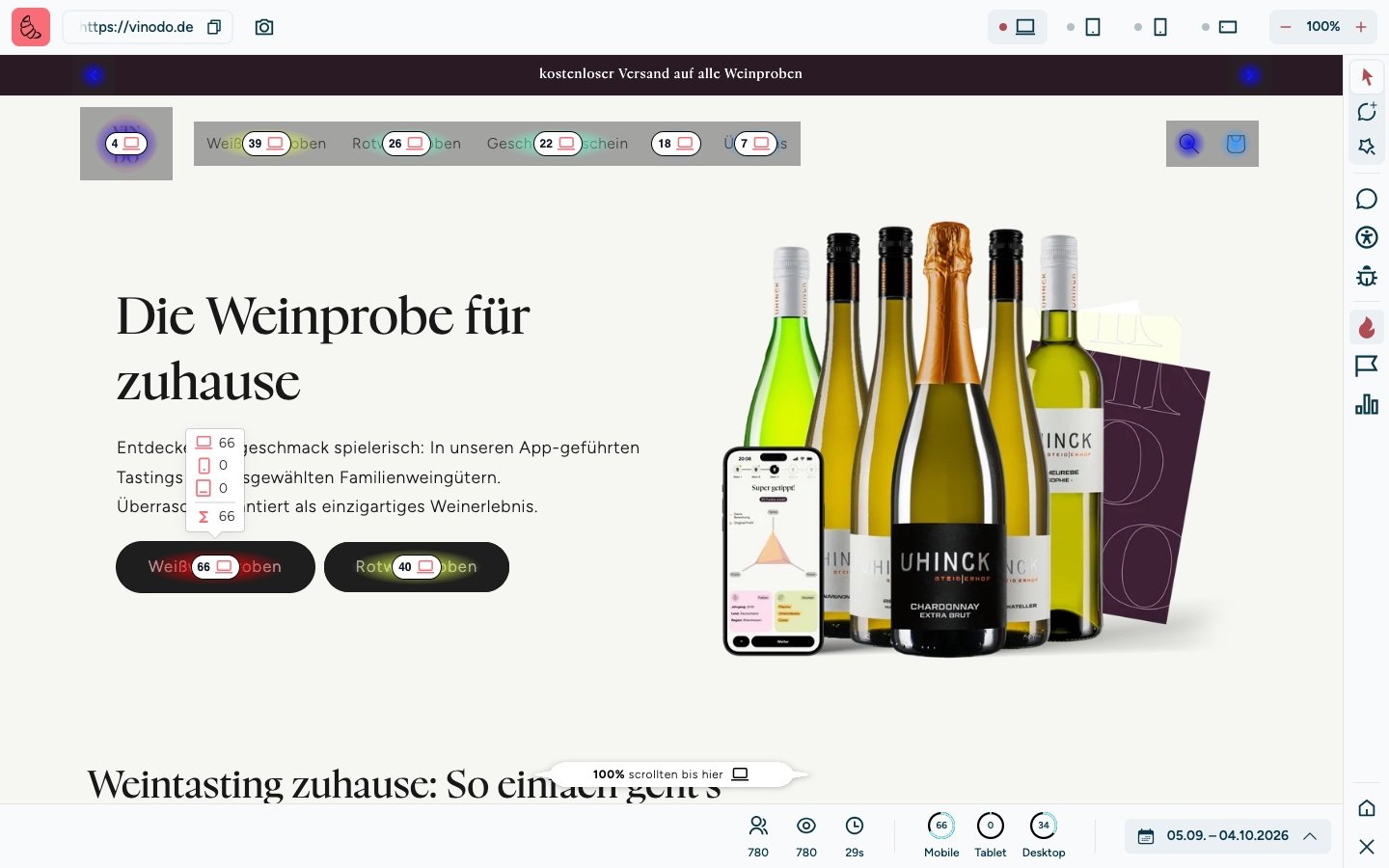
The page works normally while you do this. If you click a link, the next page opens and the heatmap immediately shows you its clicks.
The most clicked elements
Click “Rankings” on the right edge. The “Interactions” tab lists all elements of the page, sorted by clicks. Clicking a row scrolls the page to that element.
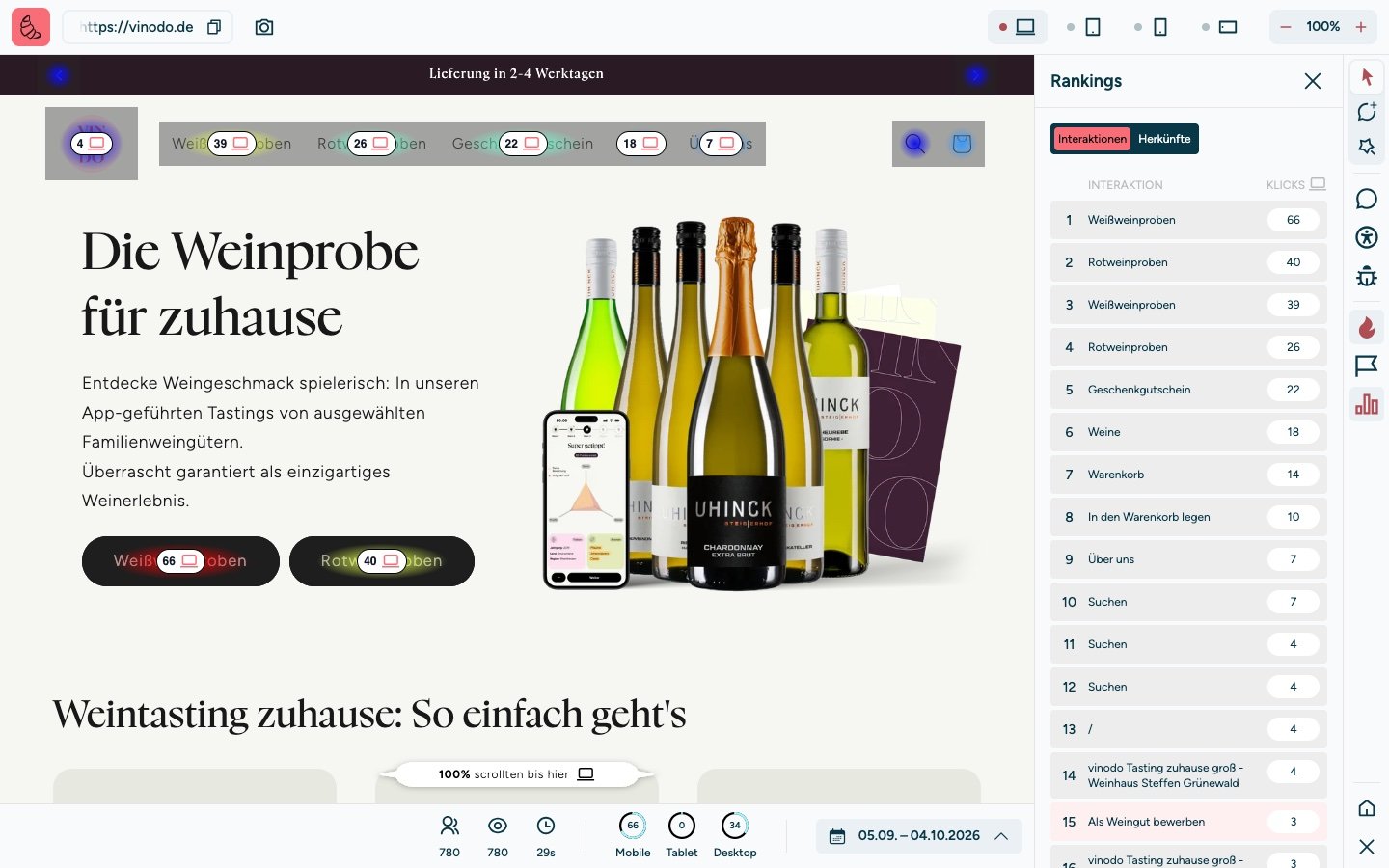
If a name appears twice in the list, the element exists twice on the page. On vinodo.de, “Weißweinproben” (white wine tastings) appears once for the large button and once for the menu item.