A brilliant user experience without accessibility is like a stylish cafe without a ramp. Many people stay outside, and so does your revenue. Modern web projects therefore need to convert and be inclusive at the same time. Tools like sitebrunch connect both worlds in one hub and create new efficiency and revenue potential.
Shared pain points
Data silos between UX metrics and WCAG checklists eat up time during reporting. Opaque workflows mean developers get delayed or incomplete feedback. Legal risk from EU directives and potential lawsuits threatens budget and brand image. A "nice to have" mindset leads to accessibility being retrofitted late and expensively.
UX and CRO: more conversions, fewer riddles
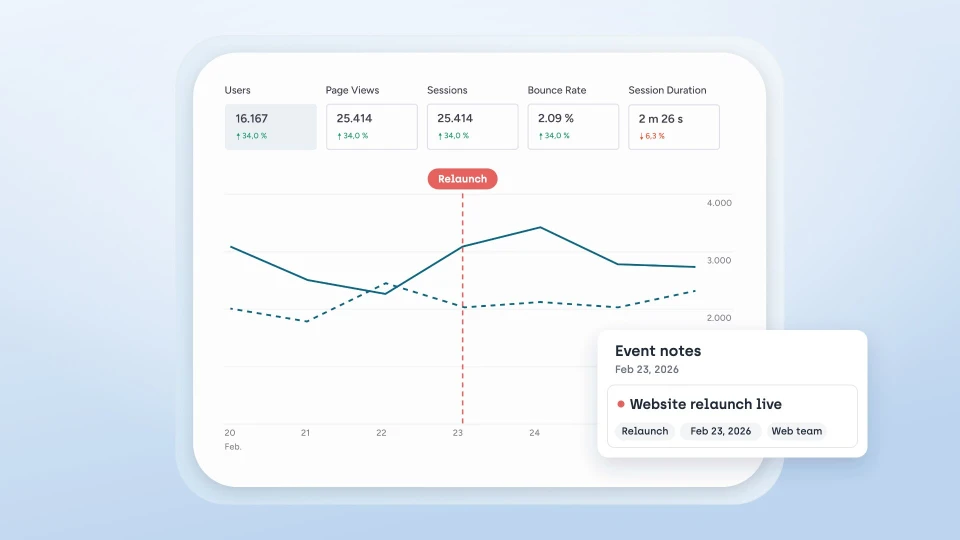
Heatmaps, funnels, and on-site comments deliver answers within minutes to questions like: where do users drop off and which elements catch attention. User flows reveal conversion bottlenecks. White-label dashboards show clients the ROI in real time. The result: faster hypotheses, less ping-pong between design, development, and account teams, and measurably more revenue.
From June 2025, the European Accessibility Act applies to many e-commerce and service portals. The basis is EN 301 549, currently version 3.2.1, which builds on WCAG 2.1 and 2.2. New in WCAG 2.2 are visible keyboard focus, minimum target sizes of 24 by 24 pixels, and accessible authentication. With an integrated WCAG scanner, sitebrunch detects violations directly in the frontend and exports findings as a ticket or CSV. Accessibility becomes a continuous process that also strengthens SEO and improves conversion, because accessible pages are faster and clearer.
Conclusion
Anyone who combines UX and accessibility reaches more people, converts better, and minimizes legal risks. sitebrunch offers a central hub for exactly that. Get started now.