Have several pages monitored for accessibility.
Last updated: June 2, 2026
Requirements
A sitebrunch account
An active project
Set up subpages
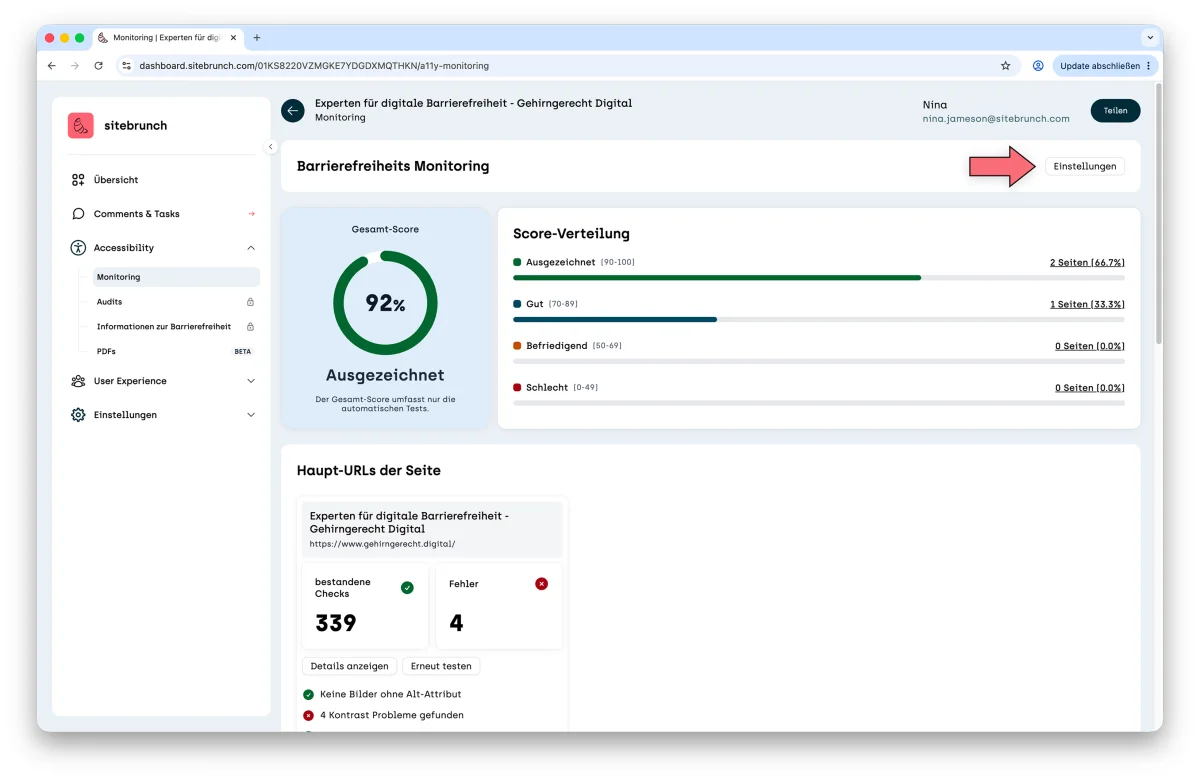
In the navigation menu of the project overview, click “Monitoring” under “Accessibility”. The monitoring overview opens.
There, click the “Settings” link to set up more pages.
In the settings you can enter up to 10 URLs to be scanned. To do this, click the “Add url” button and enter the URL. When you are done, click the “Save” button.
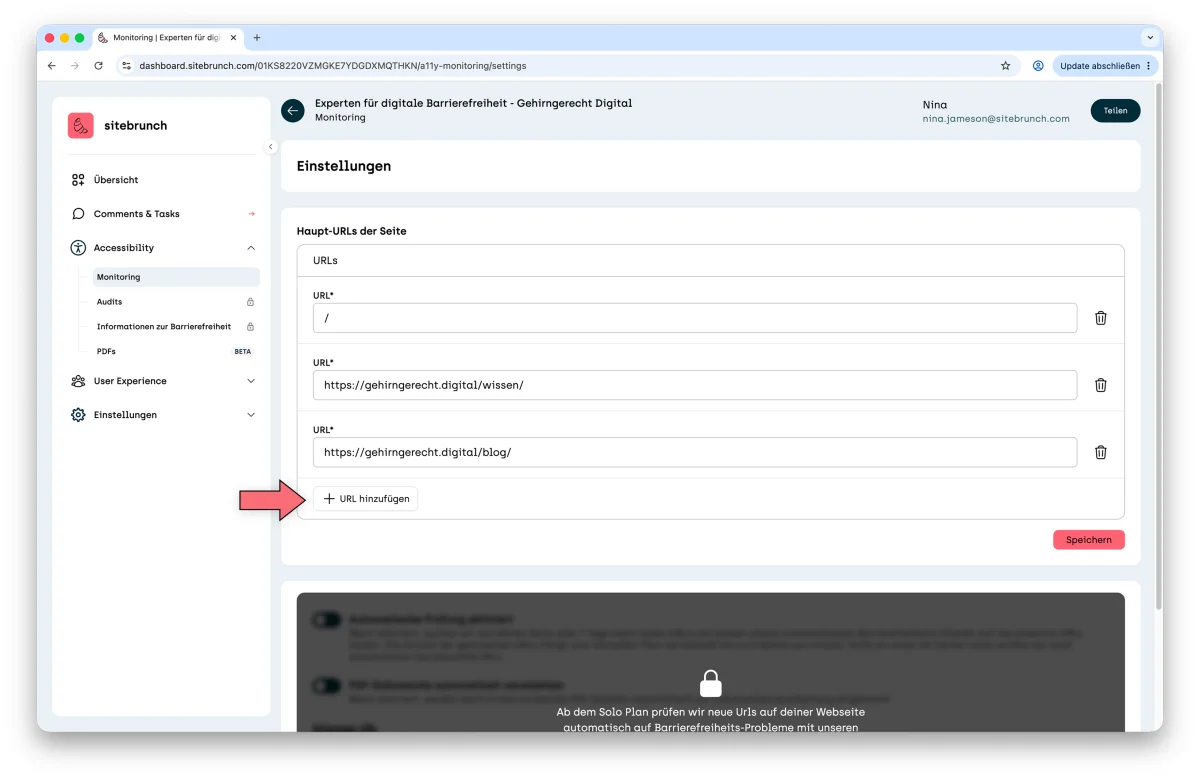
It can take a little while for sitebrunch to index and check the new pages. As soon as the results are ready, you can see them in the monitoring overview.
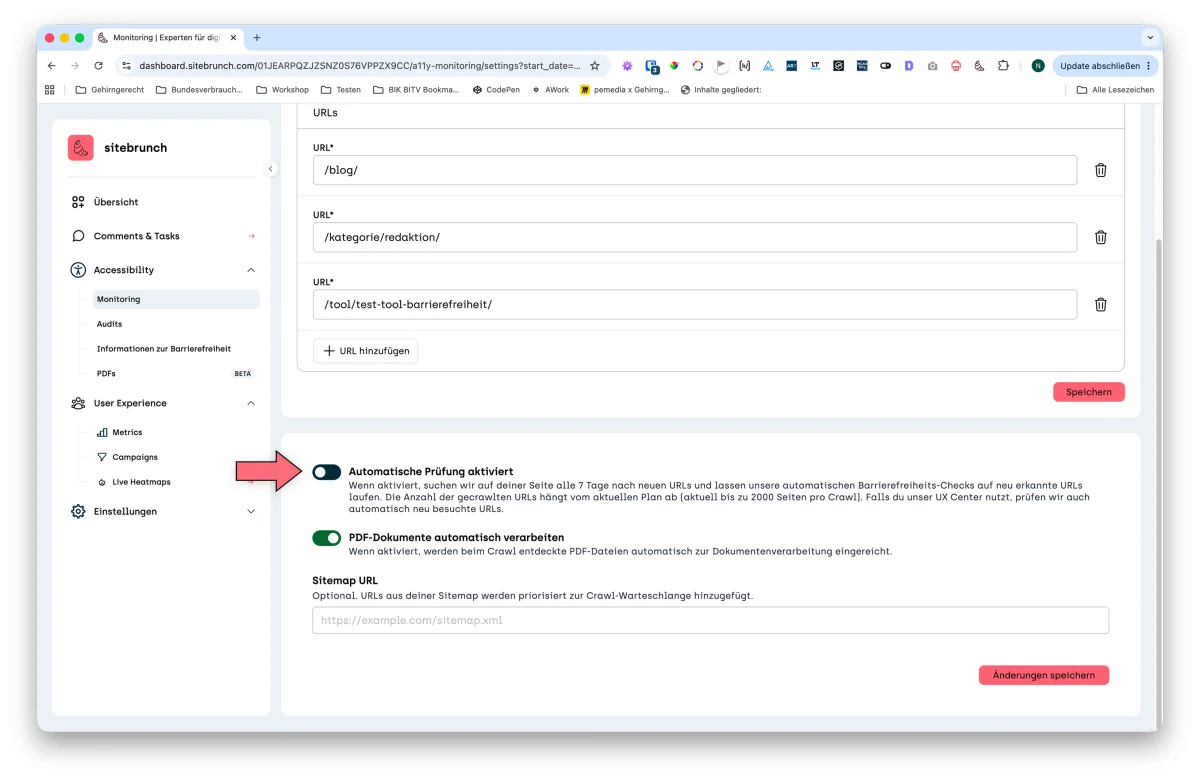
Detect and check pages automatically
From the Solo plan, sitebrunch can detect and check new subpages on your website automatically. To do this, switch on “Automatic monitoring enabled” in the settings.