Skip to content

Create accessible documents

Reports, flyers, forms and letters that everyone can read, including people who use a screen reader. Free, no sign-up and right in your browser.

What makes a document accessible

Everyone can read and use an accessible document, including people who use a screen reader, magnification or only a keyboard. It needs:

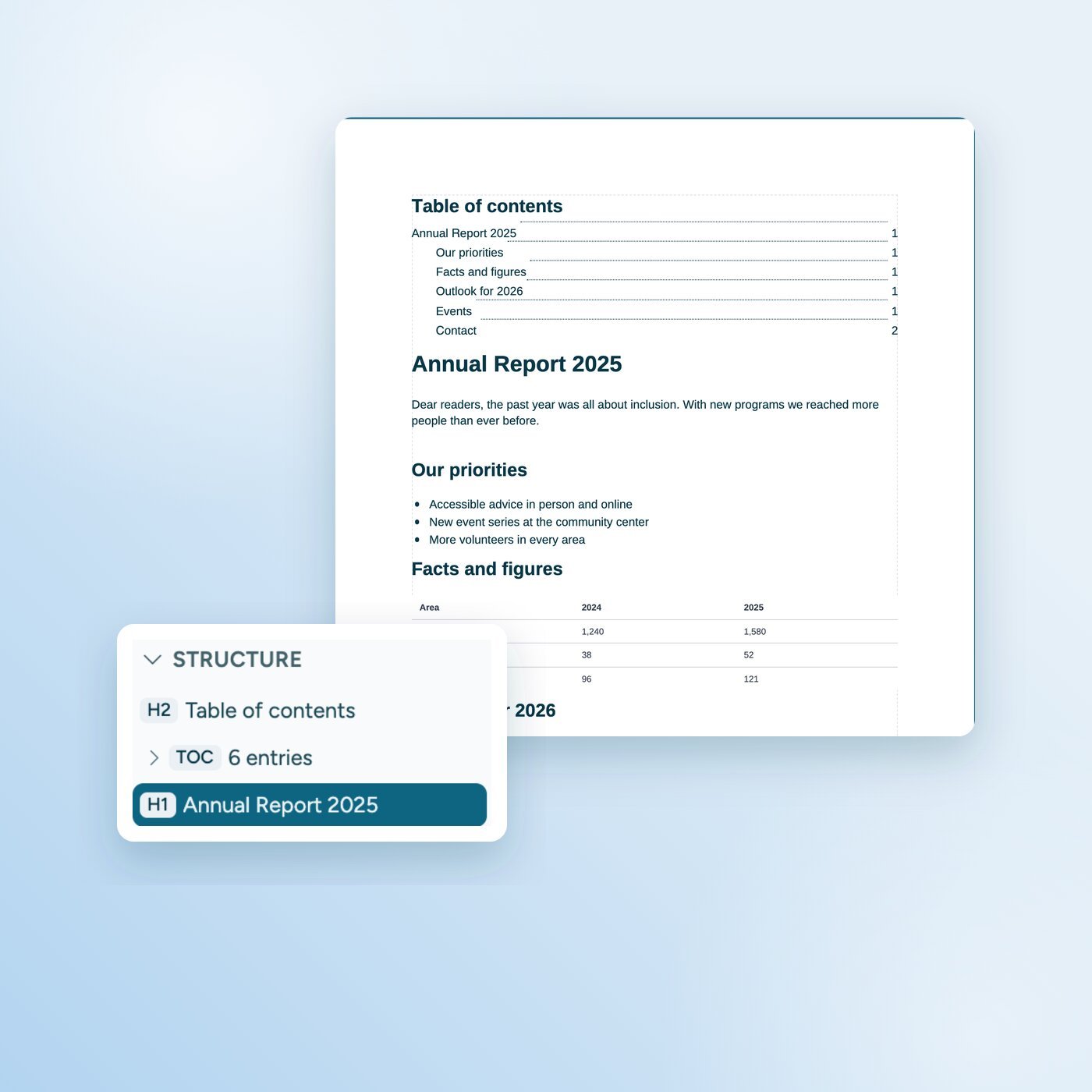
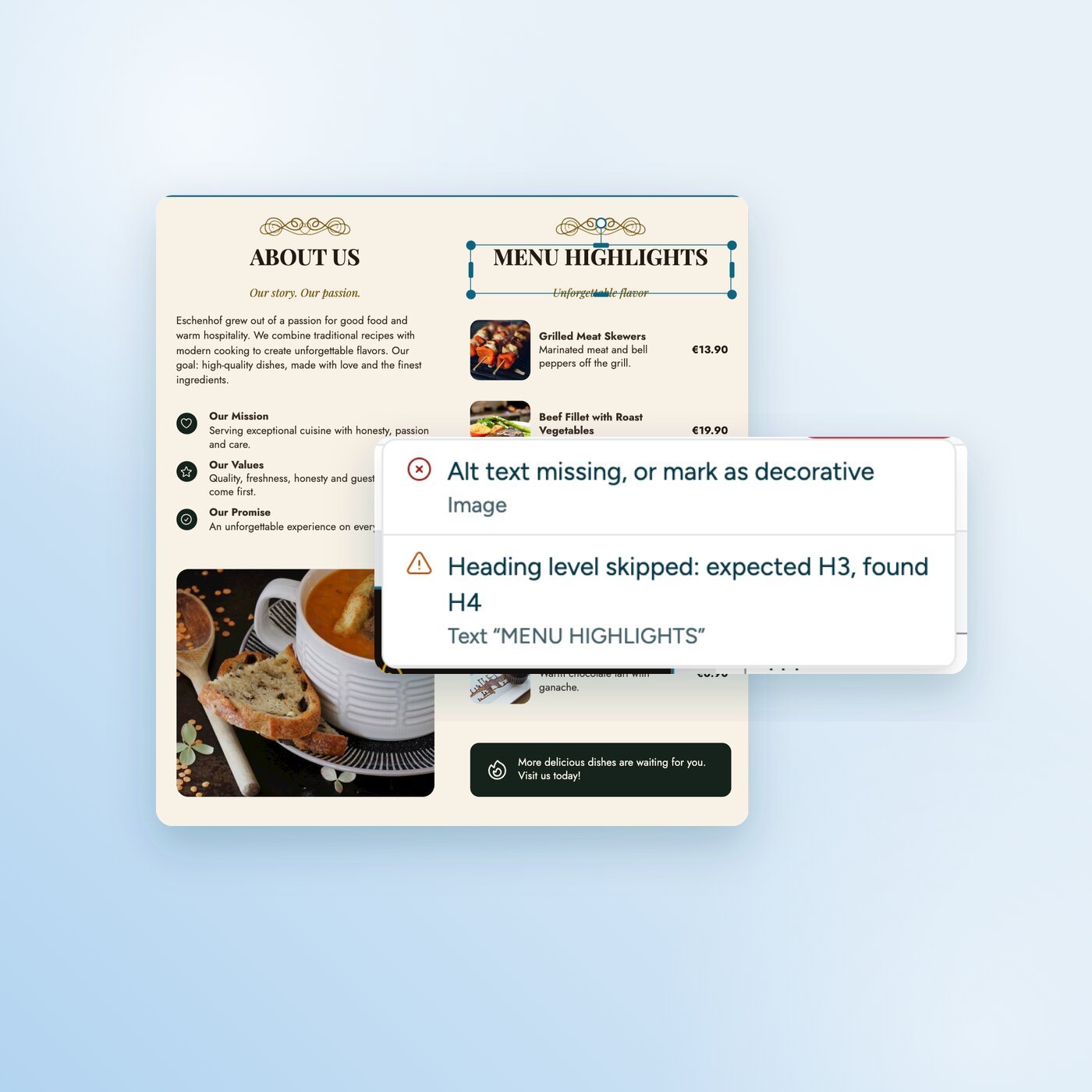
  • A clear structure: The screen reader recognizes headings, paragraphs, lists and tables.

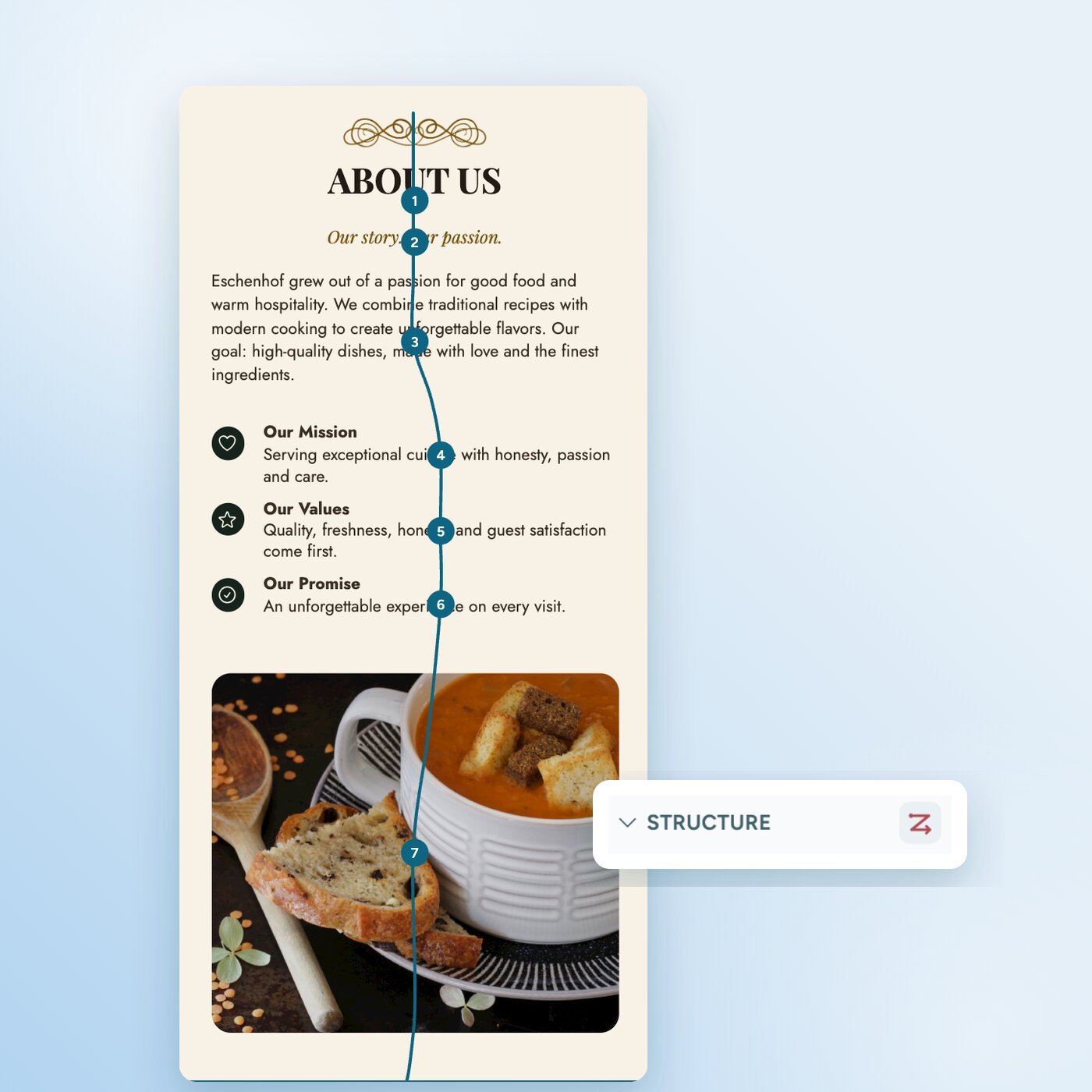
  • A sensible reading order: The screen reader reads the content in the order you would read it.

  • Alt text: Every image that carries meaning has a short description.

  • Enough contrast: Text stands out clearly from its background.

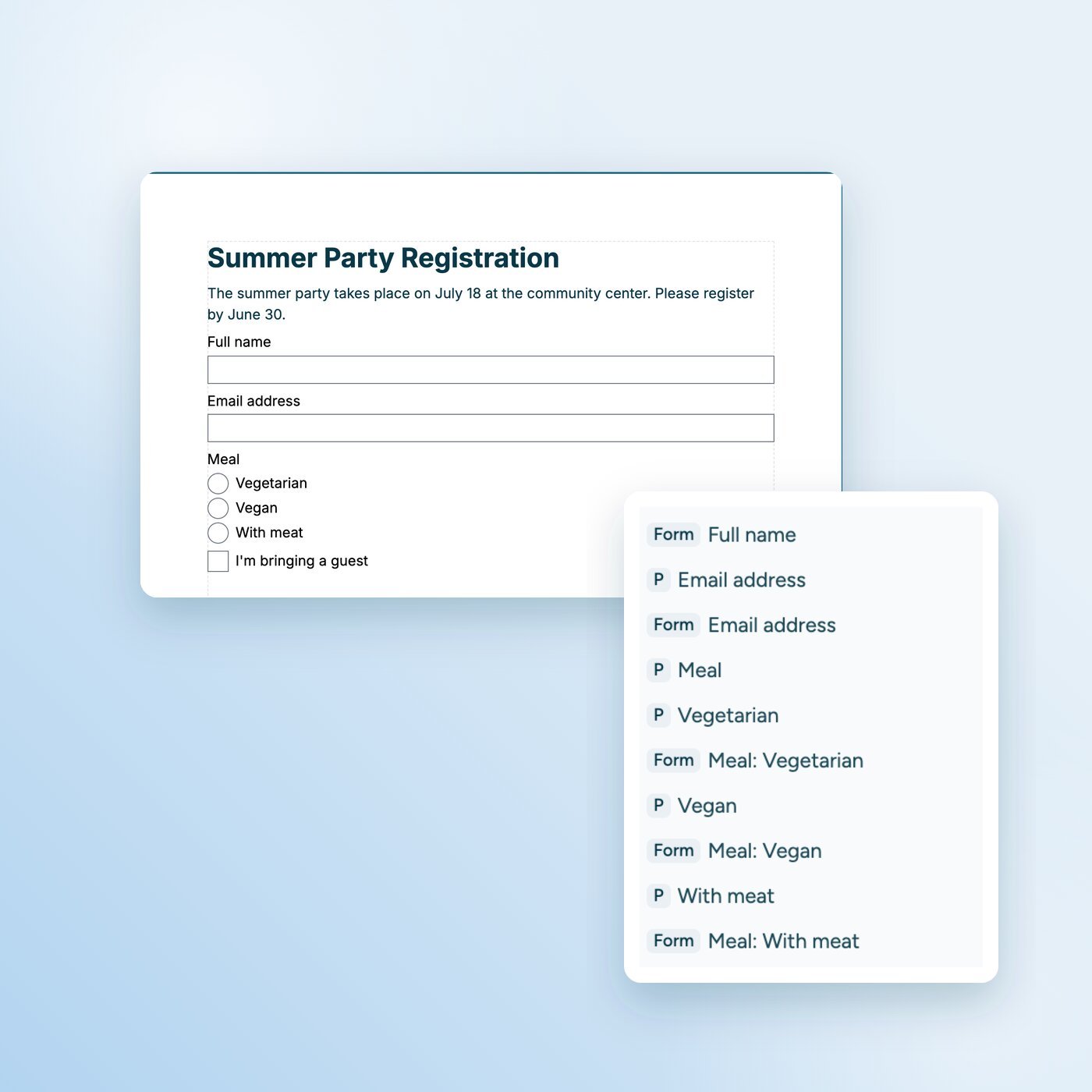
  • Labeled form fields: Every field says what belongs in it.

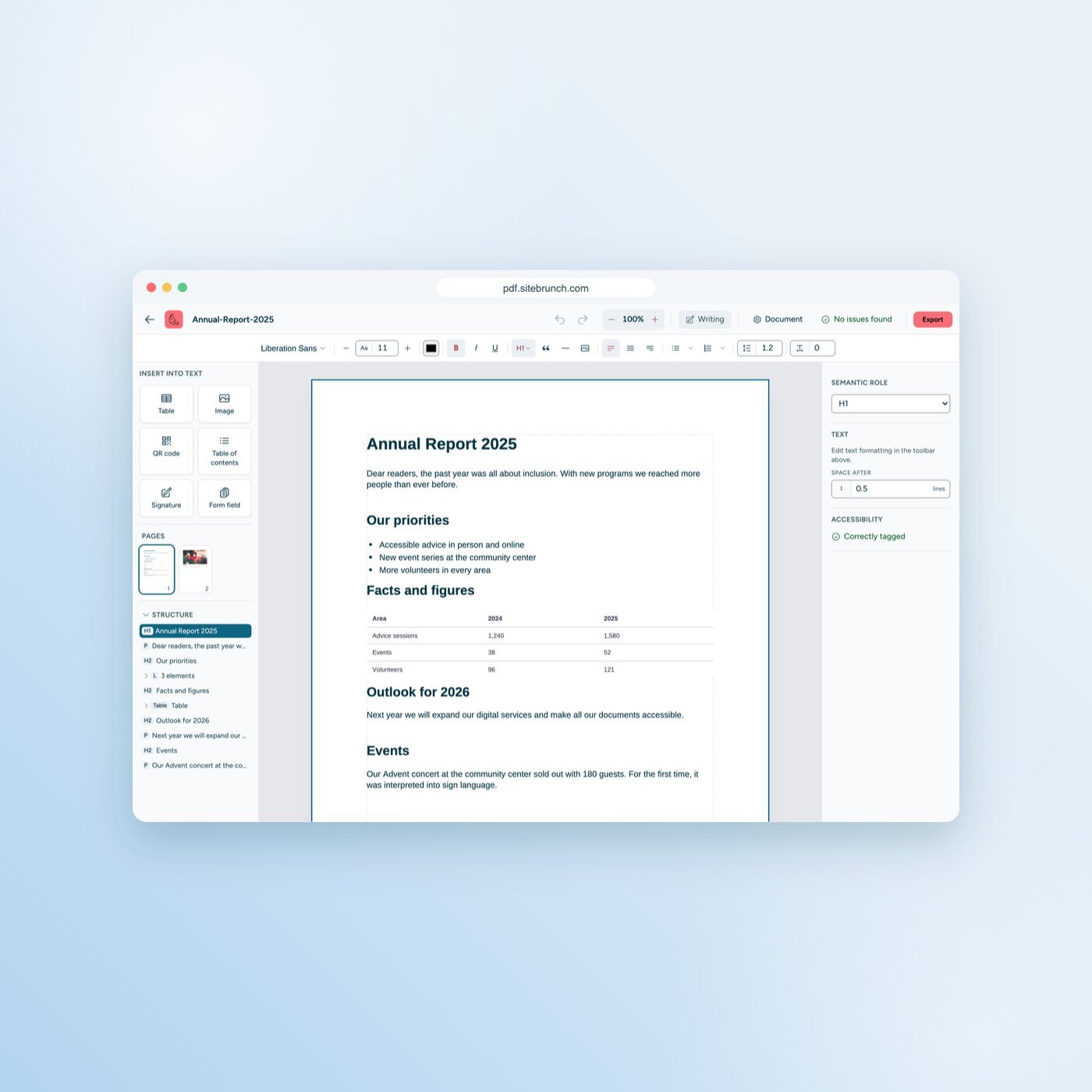
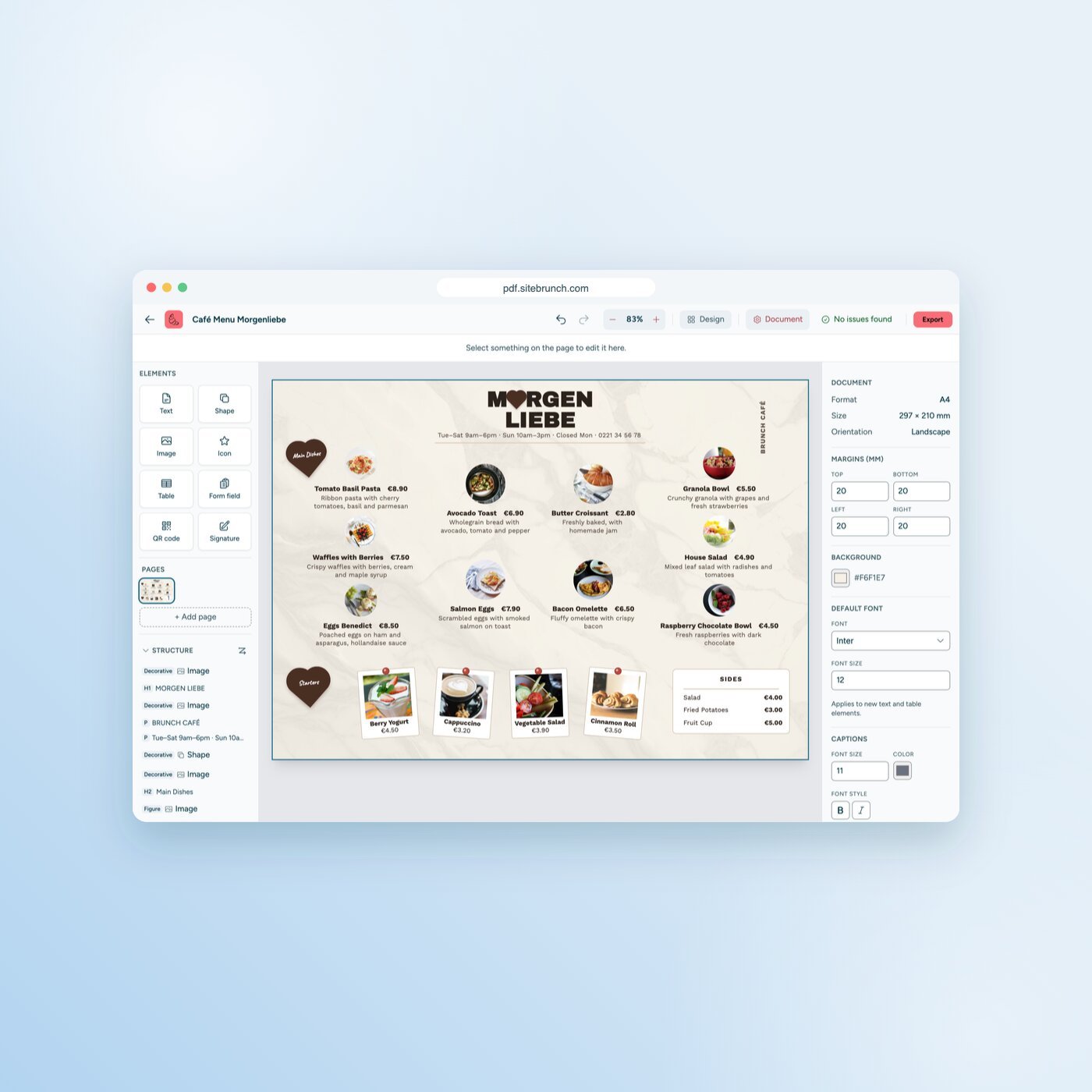
For PDFs, the technical standard is called PDF/UA. The sitebrunch PDF editor builds the structure while you design.

Which documents you can create

How the editor helps you

Who needs accessible documents

Public sector

Public bodies

Information sheets, applications and forms that meet accessibility rules such as the BITV 2.0 in Germany. With the editor, the files stay in your browser.

EAA

Companies

Since June 2025, the European Accessibility Act has applied to certain products and services for consumers, such as online shops. This can also cover documents that belong to these offers.

Nonprofits

Clubs and nonprofits

Invitations, programs and annual reports that every member can read. No software or agency costs.

Which rules apply to accessible documents

Public bodies must make their websites, apps and the documents offered there accessible, in Germany under the BITV 2.0. Since June 28, 2025, the European Accessibility Act has also applied to certain products and services that companies offer to consumers. This can also cover documents. In Germany it is implemented as the Accessibility Strengthening Act (BFSG).

These rules point to the European standard EN 301 549, which is based on WCAG. For PDFs, PDF/UA adds the technical requirements.

Free, local and private

Local

No upload

Your documents stay in your browser and never reach a server.

Free

No subscription, no watermark

Every feature is free, with no page limit and no watermark.

Instant

No sign-up

No account, no email address. Open the editor and get started.

How to create an accessible document

Ready for your first accessible document?

Open the PDF editor and get started. Free, no sign-up and no upload.

Get started (öffnet neuen Tab)

Questions and answers